







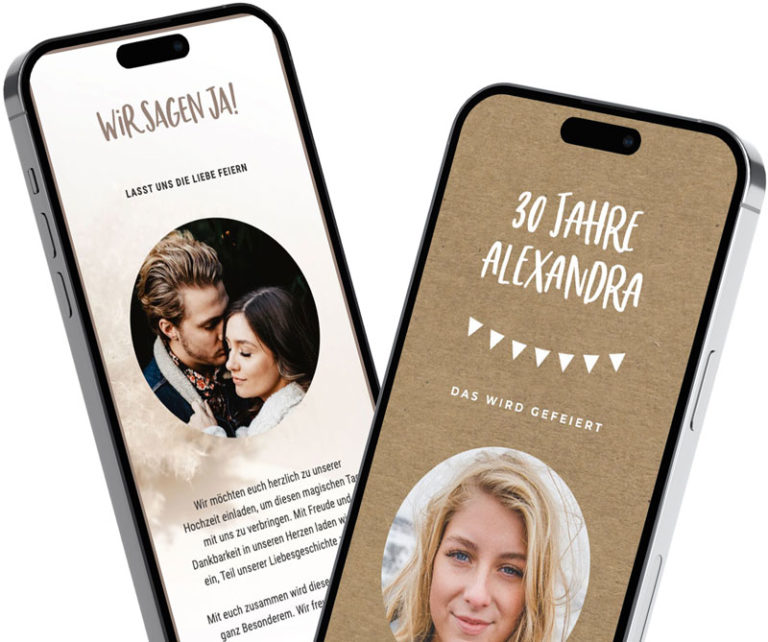
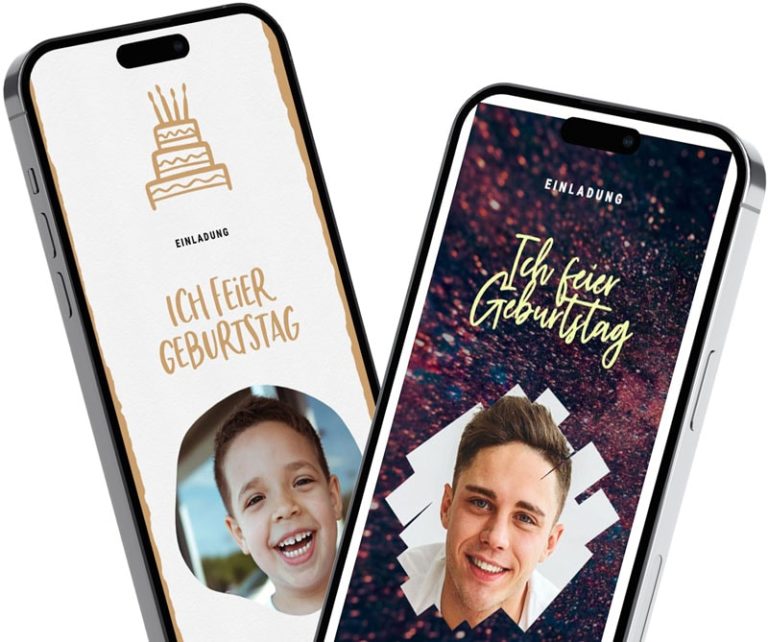
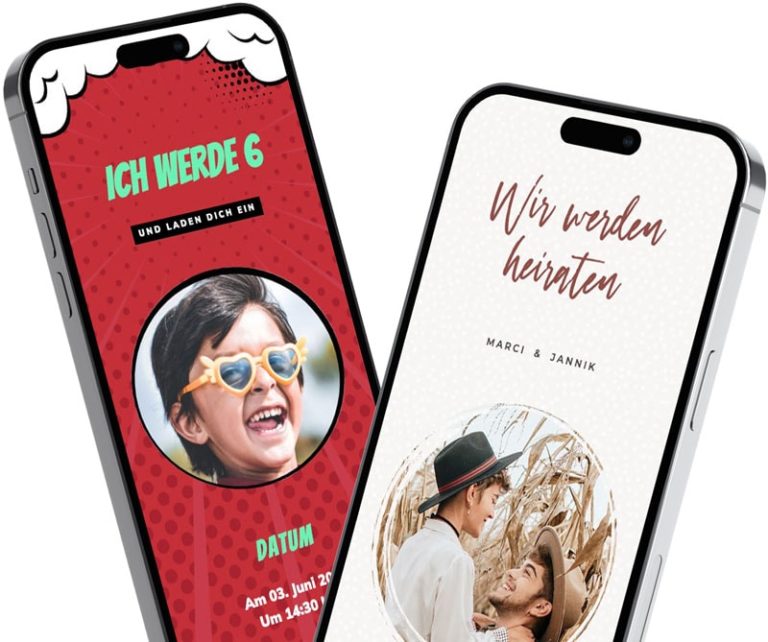
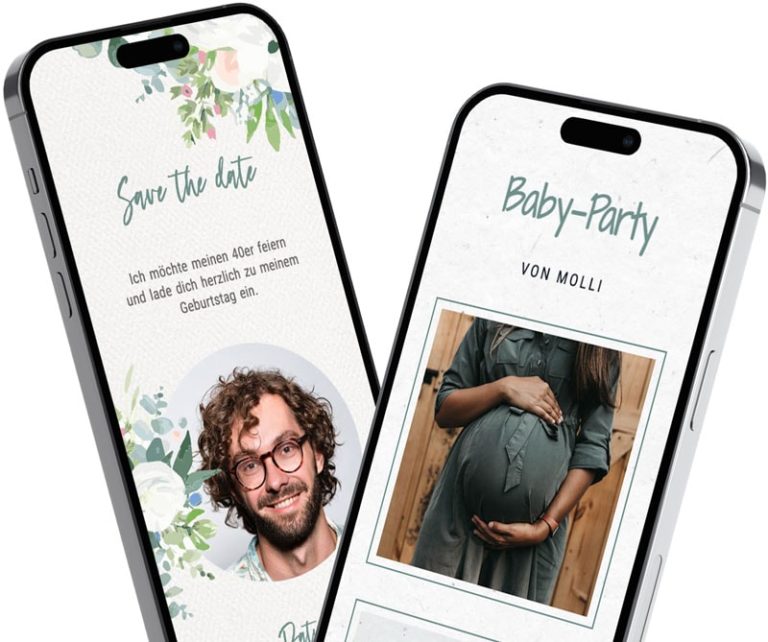
free
fast
sustainable
simple
special
personal
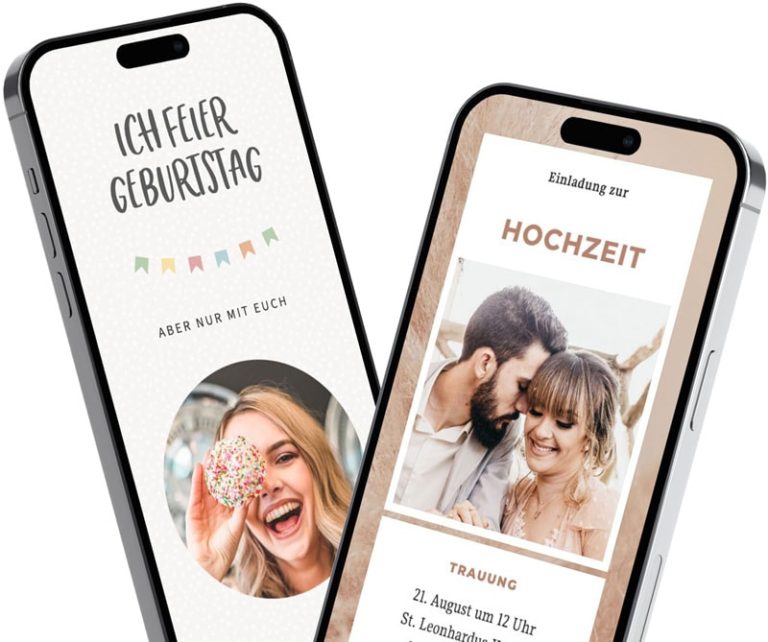
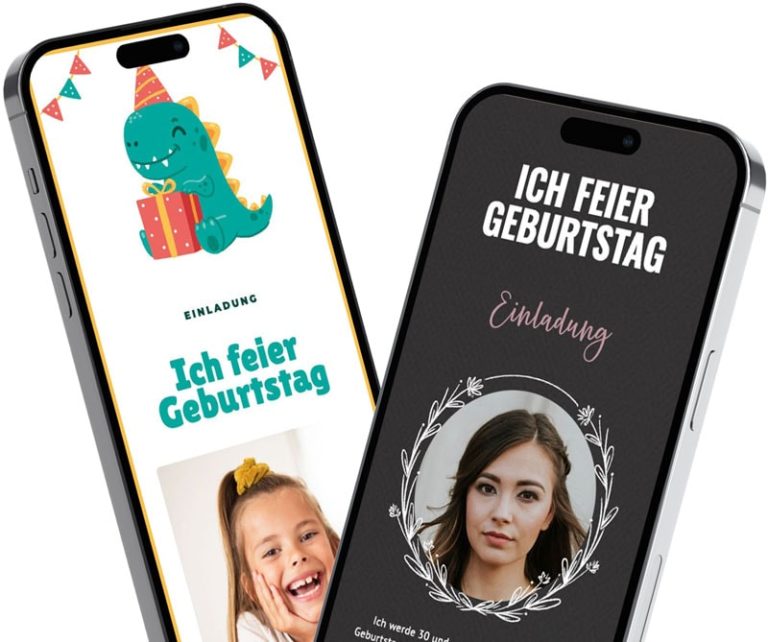
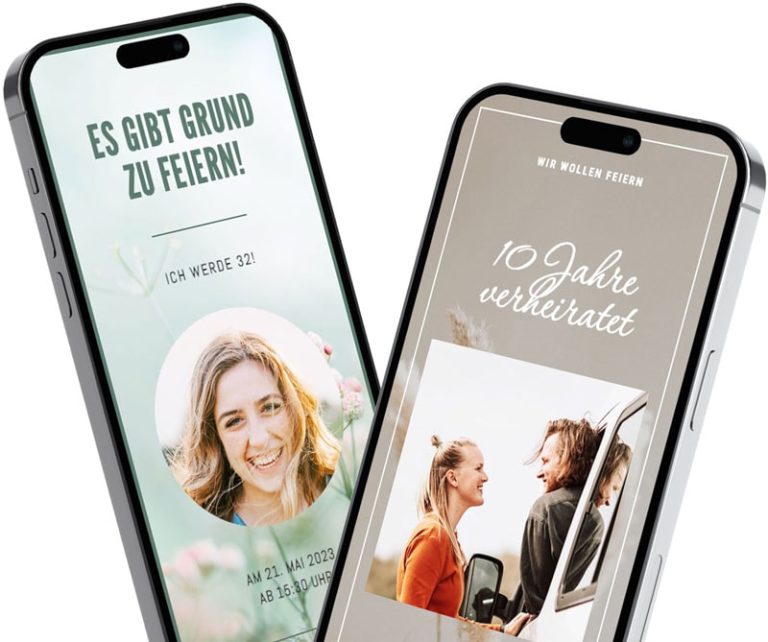
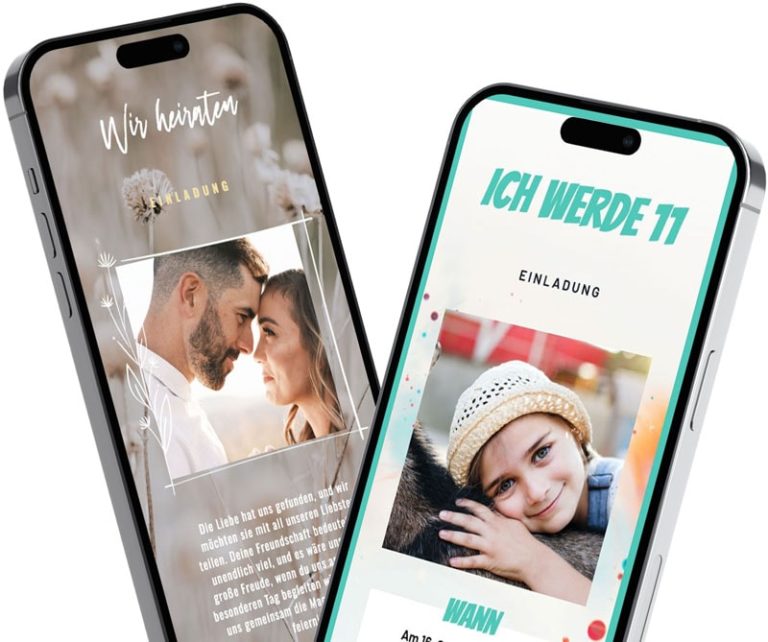
With free templates from Feierly - Simply select, personalize and inspire!
Do you want your birthday party to be something truly special right from the start? After all, first impressions count! An invitation can get people excited—or it might not. With our great invitation templates, which you can easily share via WhatsApp, you’re guaranteed to make an impressive start!
Surprise your friends, family and guests with the invitation and make your birthday an unforgettable event in advance.
Whether you're planning a small party with friends or a big birthday party - with our templates for special WhatsApp invitations, your invitation is guaranteed to be an unforgettable eye-catcher.
Simple. Impressive. Feierly.
Select an occasion and design: No registration required—just select a birthday and a design from our wide selection.
Design an invitation: Enter the date, time, and location, customize the text, and add a photo of yourself if you'd like.
Save and share: Create a free account using Google or your email address, and share the link via WhatsApp, Messenger, email, or text message.
View replies: Your guests can RSVP directly on the invitation. You can see all the responses in the app.
RSVPs and cancellations right on the birthday invitation—free, with no app or account required for your guests.
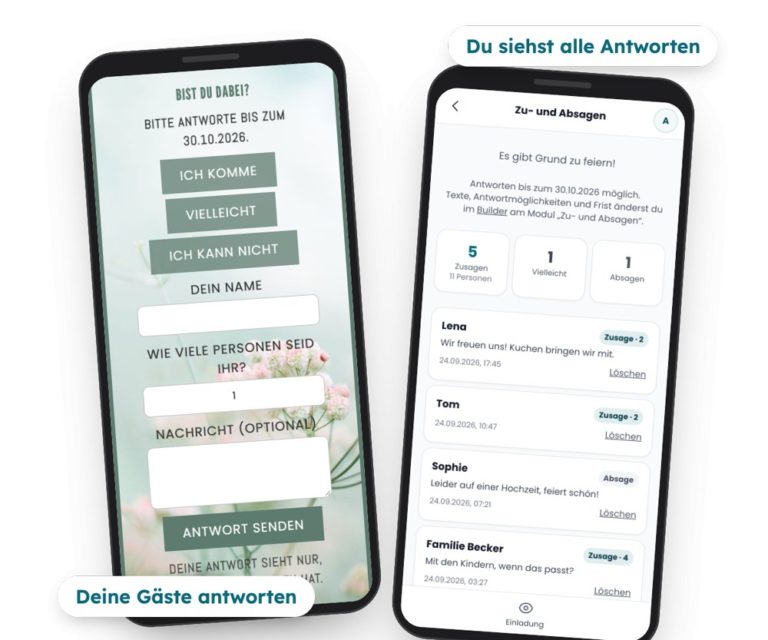
How many people are coming, and who's bringing a guest? The buttons are at the bottom of your birthday invitation I'm coming, Maybe and I can't. Your guests tap on it and enter their name, and, if they wish, the number of people and a message.
You can see all the responses in one place in the app, with counters for RSVPs and the number of people—which is handy for planning food, drinks, and seating.
You set the response deadline yourself, and if you'd like, you can receive an email whenever new responses are posted.
For children's birthday parties, parents RSVP directly on the invitation—no account required.
An image in the chat shows your guests the key details—nothing more. You send your feierly invitation as a link via WhatsApp: Your guests open it with a tap in their browser—no app or account required—and accept or decline right away. If the time or location changes, you update the invitation once, and everyone sees the new version via the same link.
More on this: Digital Invitation with RSVP
A birthday is a special day on which we celebrate life, gather loved ones around us and experience unforgettable moments together. But before the party starts, the anticipation begins with the invitation. Why not try something new this year?
\nA birthday invitation via WhatsApp isn't just convenient—it's also a warm and personal way to invite your loved ones. With creative ideas and heartfelt words, you can put a smile on their faces in just a few clicks and get them excited for the party. Let’s make this day special together—and share the first moments of joy right from the start with a WhatsApp invitation!

 New
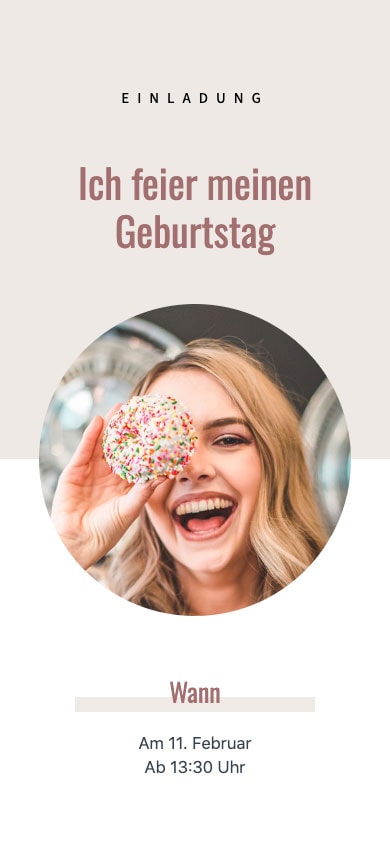
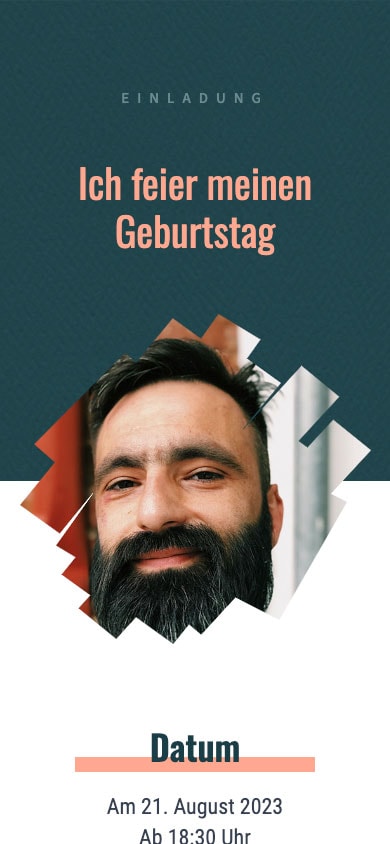
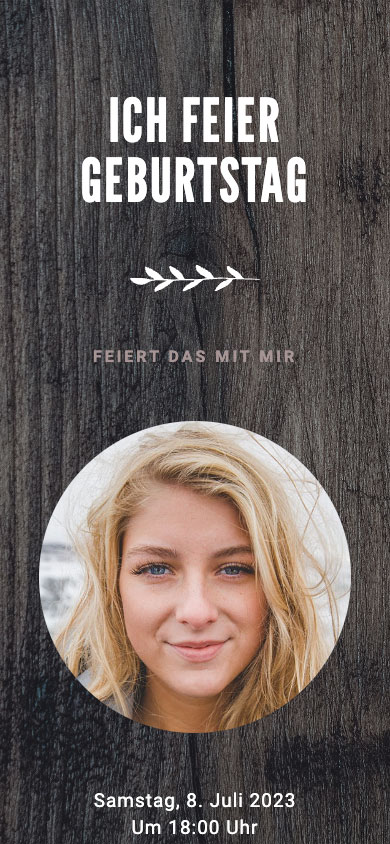
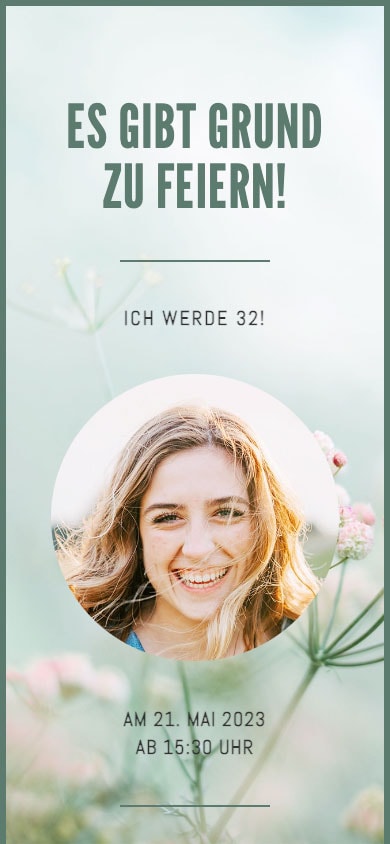
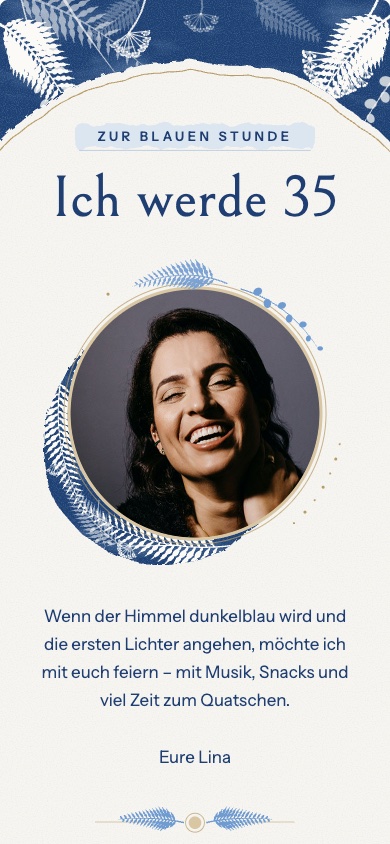
NewChoose a template, enter the date, time, and location, write your message, and add your own photo. Your birthday invitation is now ready as a link for WhatsApp. You can design it without signing up, but you’ll need a free account to save and share it.
And many more templates!
Whether you're 18, 30, 40, 50, 60, or 70—choose a template, customize the text, and send the invitation for free as a link via WhatsApp.
For children, there are special templates and sample texts available at the Invitation to a Children's Birthday Party via WhatsApp.
For many people, their 18th birthday is their first big party of their own. Send the link to the WhatsApp group, and all your friends will have the details at a glance.
Sample text: „I'm turning 18! 🎉 On [date] starting at [time], I'll be celebrating in [location]. Let me know right on the invitation if you're coming: [link]“
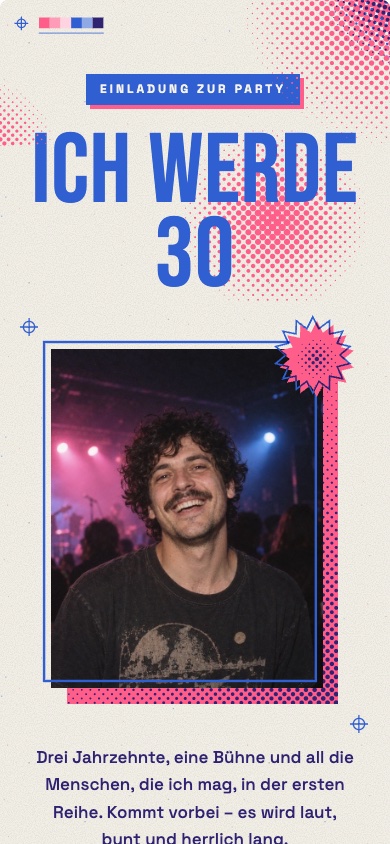
Friends, coworkers, and family often get together for the 30th anniversary. By checking the RSVPs on the invitation, you'll know early on how many guests to plan for.
Sample text: „It's been three full decades! I'm celebrating on [date] at [time] in [location]. All the details and RSVPs here: [link]“
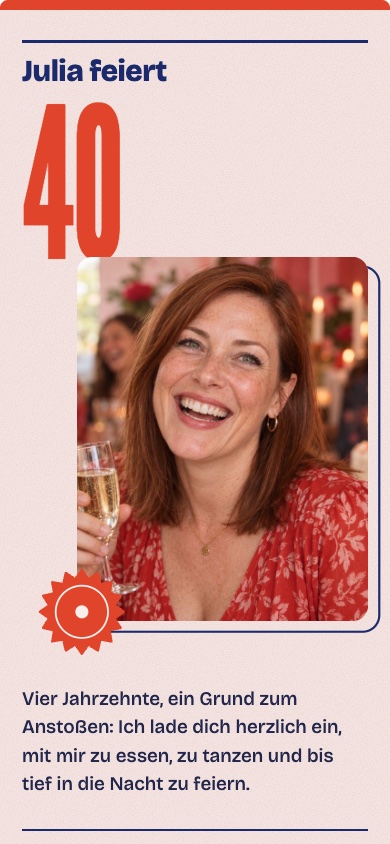
Whether it's a garden party or a night out at a restaurant: Enter the date, time, and location, and add a photo if you'd like.
Sample text: „40—and we're celebrating. On [date] at [time] in [city]. Please RSVP: [link]“
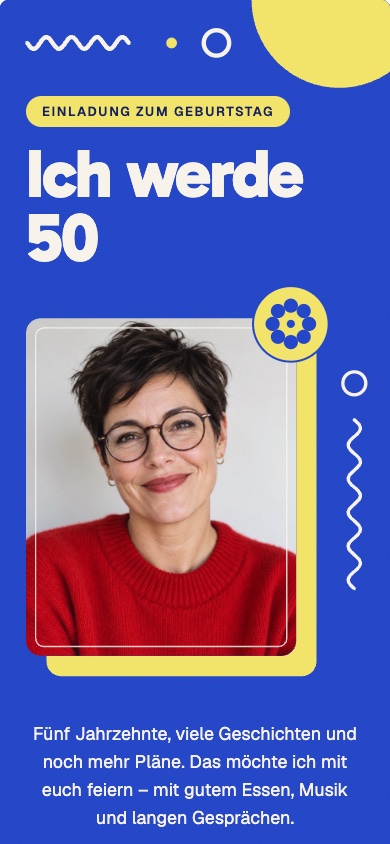
Many people celebrate their half-century milestone with a large group. If anything changes, you can update the invitation, and everyone will see the new version via the same link.
Sample text: „I'm turning 50! I'll be celebrating on [date] at [time] in [location]. Tap the invitation and let me know if you're coming: [Link]“
Templates for a 50th birthday: Pop Blue with Yellow and Wood & Gold Salon – Both are premium designs, a one-time fee of €4.99 per invitation.
You can find more templates and sample texts on our page about Invitation to a 50th Birthday Party via WhatsApp.
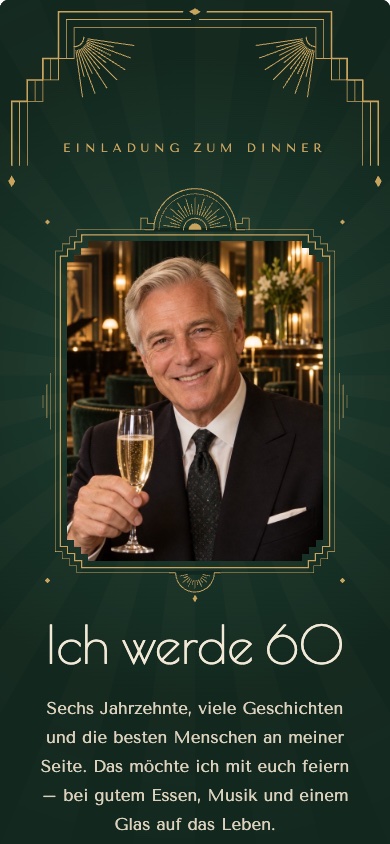
Several generations are often invited to a 60th birthday party. Your guests can simply open the link in their browser—no app required.
Sample text: „60 Years—Time to Celebrate. On [date] at [time] in [location]. RSVP and all details: [link]“
More templates and sample texts: Invitation to a 60th Birthday Party via WhatsApp
Family and old friends are getting together for the 70th birthday celebration. You can send the link via WhatsApp, email, or any other app.
Sample text: „I'm celebrating my 70th birthday on [date] at [time] in [city]. Please let me know right on the invitation if you're coming or not: [link]“
More templates and sample texts: Invitation to a 70th Birthday Party via WhatsApp
RSVPs and cancellations are free; guests do not need an account to do so.
And at the party itself: With our partner app, snapwall, your guests can upload their photos via a QR code—no app required—and the photos will appear live on the TV. Here's how it works: Birthday Photo Wall.
Our own pages with templates and sample texts: Birthday · Children's Birthday Party · 50th Birthday · 60th birthday · 70th birthday · Wedding · Christmas party
Why feierly offers you the perfect templates!
Are you celebrating something other than your birthday? Then you can find the perfect gift for any occasion here: Design a digital invitation.
There are special templates for celebrations with your team, club, or friends in December: Invitation to the Christmas Party via WhatsApp.
Creating, designing, sharing, and editing later is completely free with the free templates—just like your guests' RSVPs. No subscription, no printing or shipping costs.
If you want more, there’s a one-time Pro option per invitation: €2.99 with the free templates and €4.99 for the premium designs. You can try out the premium designs for free; to share them, you’ll need to unlock Pro. The Pro version gives you a wish list, an invitation without the “feierly” notice, up to five custom questions for RSVPs, and the response list as a spreadsheet (CSV). All prices include VAT.
Yes. With the free templates, designing, sharing, editing, and tracking RSVPs won't cost you a thing. The Pro plan is optional and costs a one-time fee per invitation.
Design your invitation without signing up. To save and share it, you'll need a free account—you can sign up with Google or your email address.
Your guests can tap „I’m coming,“ „Maybe,“ or „I can’t“ right on the invitation, along with their name and, if they wish, the number of guests and a message. You can see all the responses with counts in the app and can set it up to receive an email whenever new responses come in.
No. You tap the link, view the invitation in your browser, and reply with a tap.
Yes. You can make changes to everything in the app; the link stays the same, and your guests will see the changes right away.
Your invitation is a link, not an image file. In the WhatsApp chat, it appears with a preview image, and your guests can tap on it to see the text, photo, date, and location all in one place. The advantage: If anything changes, everyone sees it immediately through the same link—whereas you’d have to resend an image.
There are free templates: With them, creating, sharing, editing, and collecting RSVPs costs nothing. You can try out the premium designs (marked „Pro €4.99“ in the overview above) for free; to share them, unlock the Pro version. Pro, which includes a wish list, custom questions, and a table-format list of responses, costs a one-time fee of 2.99 € or 4.99 € per invitation—no subscription required.
Last updated: October 19, 2026
We protect your data in the best possible way. Please read our Privacy policy.