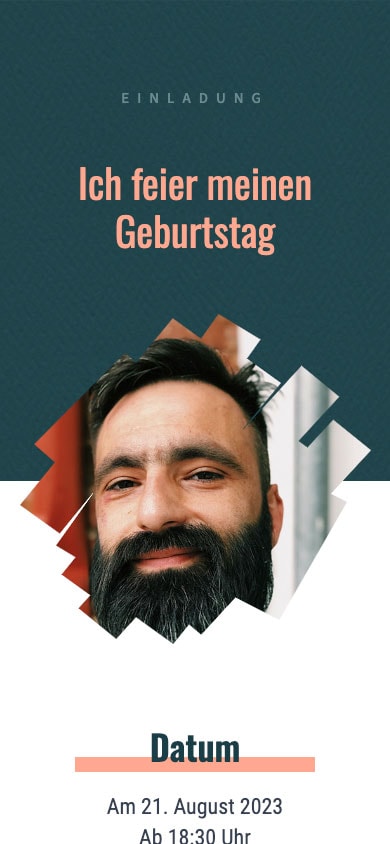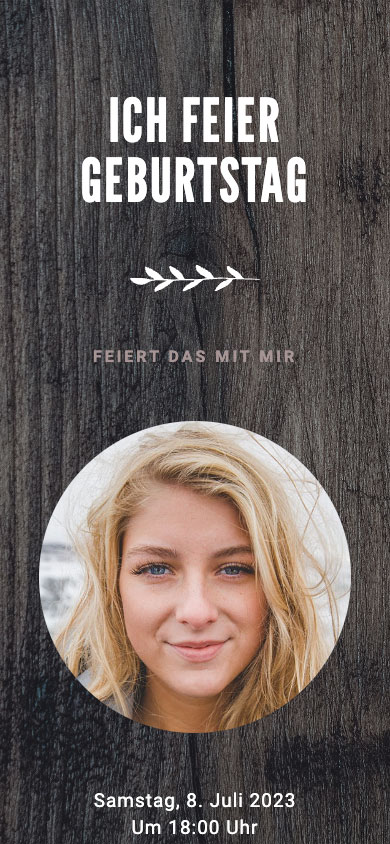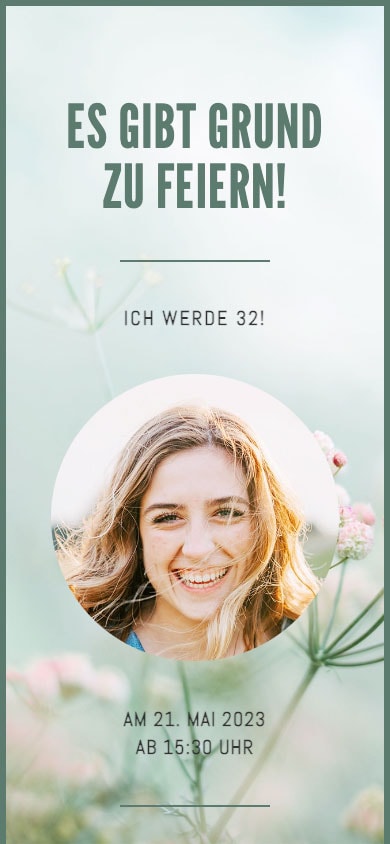



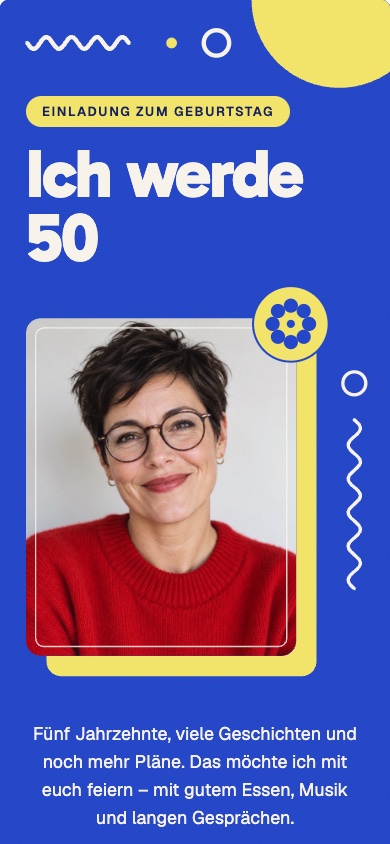

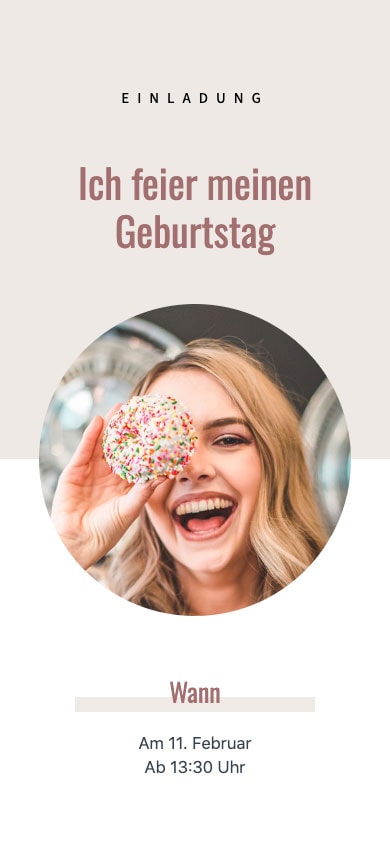
Select a template: Pick a design for your 50th birthday. No registration required.
Customize: Enter the date, time, location, and your text, and add a photo if you'd like.
Share via WhatsApp: Save the invitation with a free account and send the link to the chat or group.
Colorful, elegant, or simple: Choose a design and tap on it to get started right away. You can customize the numbers and text in any template yourself.
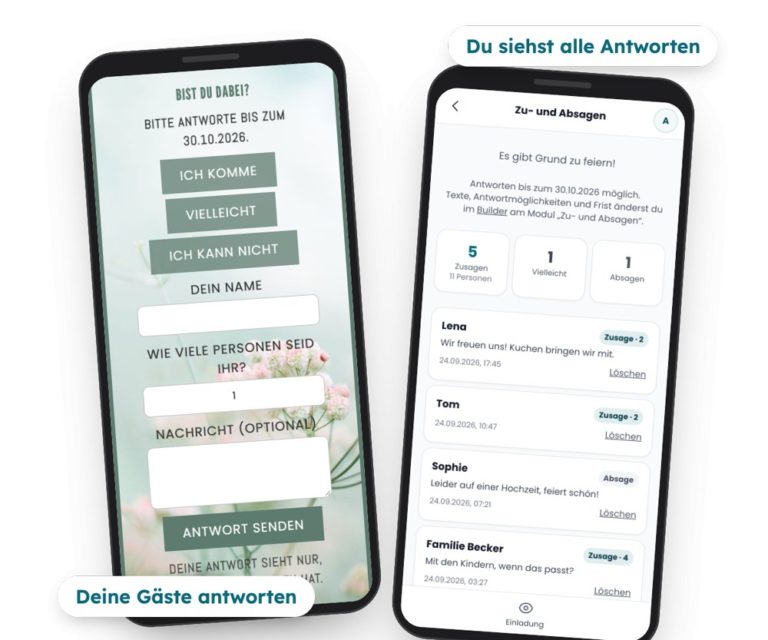
Your guests can tap „I’m coming,“ „Maybe,“ or „I can’t make it“ right on the invitation—including their name and, if they choose, the number of guests and a message. They don’t need an app or an account to do this. You’ll see all the responses compiled in the app, with counters for RSVPs and the number of guests, and you can set it up to receive an email whenever new responses come in. RSVPs are free.
With feierly Pro, you can also ask your own questions—such as about meal preferences—and export all the answers as a list.
Choose a text, customize it, and include it in your invitation.
„I'm turning 50! I'd like to celebrate with you: on [date] starting at [time] in [location]. Food and drinks will be provided—please let me know by [date] (as indicated on the invitation) if you'll be there.“
„Half a century—and still going strong. We’ll be raising a glass in [City] on [Date] at [Time]. Just tap ‚I’m coming‘ so I know how many of us there will be. 🥂“
„Psst: [Name] is turning 50 and has no idea. We're meeting in [Location] on [Date] at [Time]—please be there by [Time] at the latest. Let me know here whether you're in or out so I can plan accordingly.“
With these free templates, you can create, design, share, make changes later, and manage your guests' RSVPs—all for free, with no subscription required.
If you want more, there’s a one-time Pro option per invitation: Basic Pro for €2.99 with the free templates and Premium Pro for €4.99 with the premium designs. You can try out Premium designs for free; to share them, unlock Premium-Pro. Both options include: a wish list, invitations without the “feierly” notice, up to 5 custom questions for RSVPs, and the response list as a spreadsheet (CSV). Prices include VAT.
Yes. With the free templates, designing, sharing, editing, and collecting RSVPs won’t cost you a thing. For the premium designs, you’ll need to unlock Pro for a one-time fee of €4.99 per invitation—no subscription required.
No. You tap the link, view the invitation in your browser, and reply with a tap—no app or account required.
Yes. You make all the changes in the app; the link stays the same, and all guests will see the changes immediately when they click the same link.
Your guests tap „I'm coming,“ „Maybe,“ or „I can't“ on the invitation, along with their name and, if they wish, the number of guests and a message. You can see all the responses with tally counts in the app and can set it up to receive an email when new responses come in.
You can find more templates and sample texts for all ages at the Birthday Invitation via WhatsApp, for the 60th and 70th at the Invitation to a 60th Birthday Party and the Invitation to the 70th Birthday Celebration. The page on digital invitation with RSVP.