 New
New



Select a template: Select „Christmas Party“ and a Christmas-themed design. No registration required.
Customize: Enter the date, time, location, and your text, and add a photo if you'd like.
Share via WhatsApp: Save the invitation with a free account and send the link to the group or to individual guests.
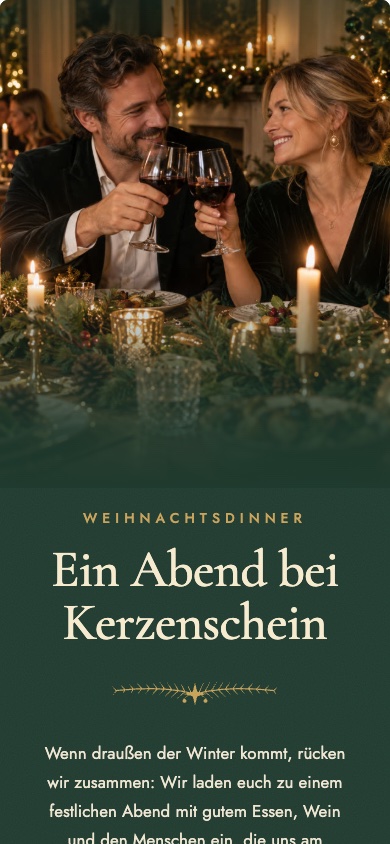
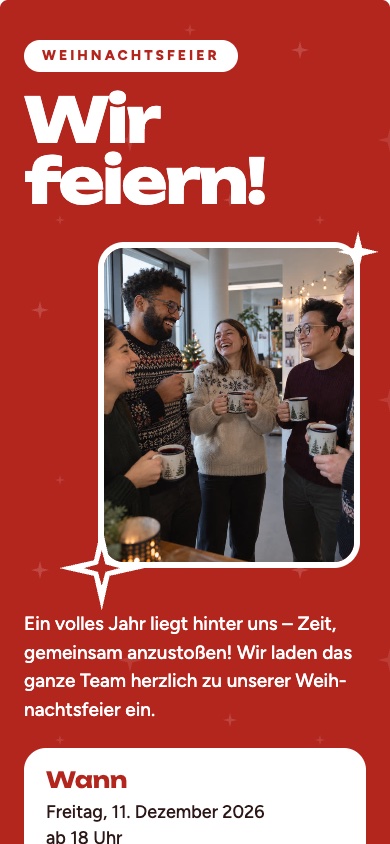
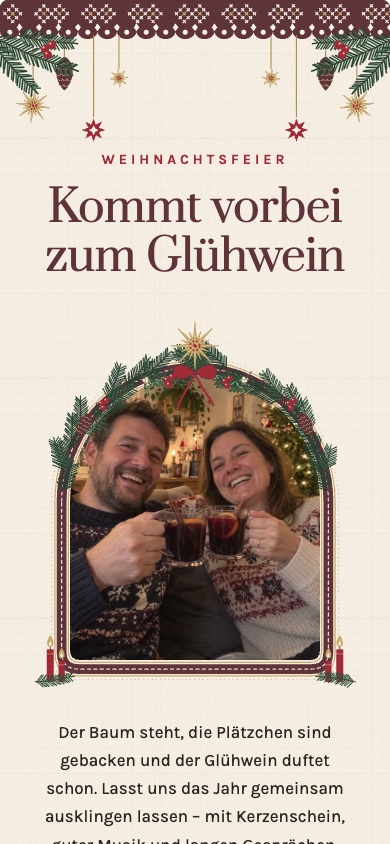
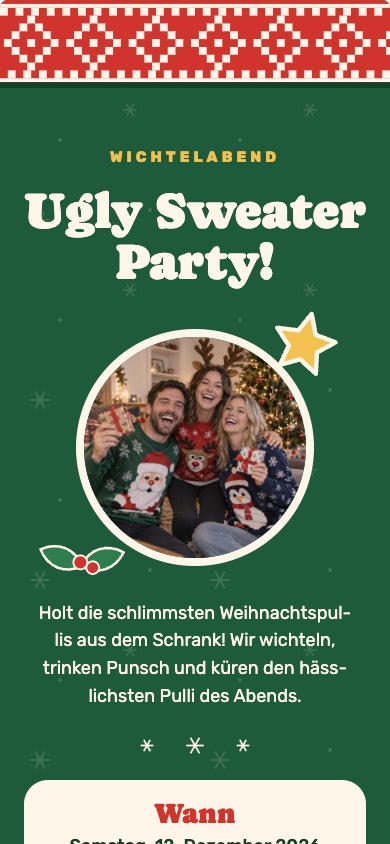
Festive, cozy, or with a touch of whimsy: candlelit dinner, baking cookies, an ugly sweater party, or a classic white-and-pine-green theme. The „White and Pine Green“ design is free; the others are premium designs. Tap on a design to take a closer look.
New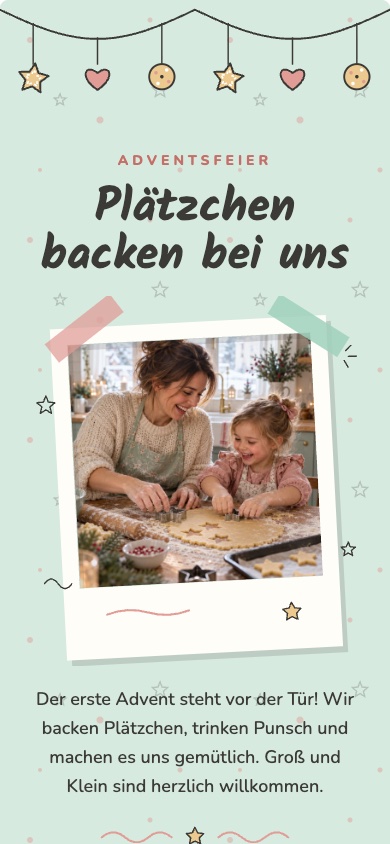 New
New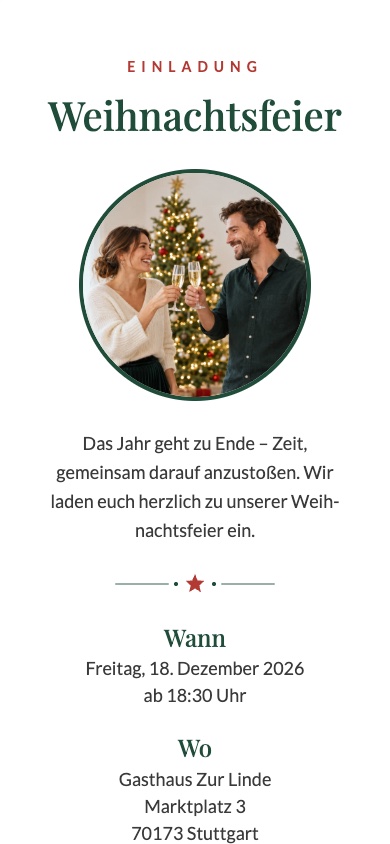 NewNew
 NewNew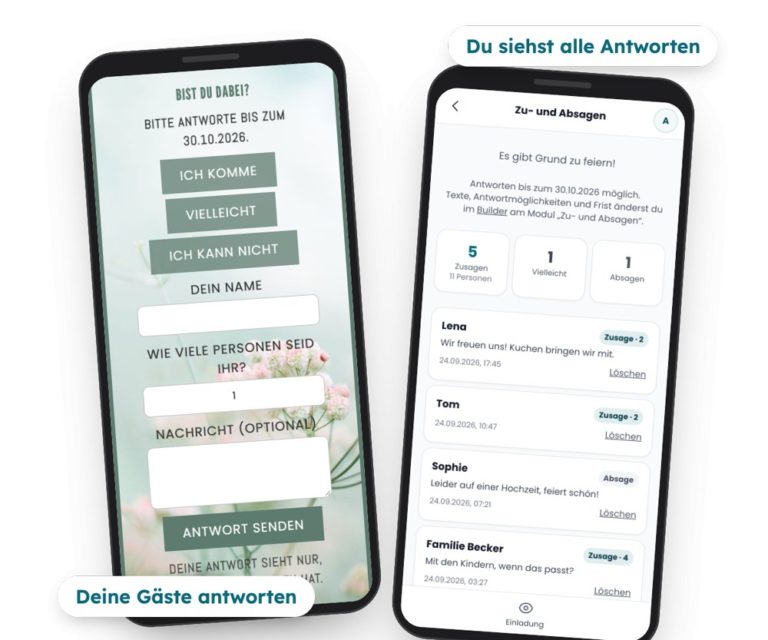
No more flood of messages in the group: Your guests tap "Attending," "Maybe," or "Not Attending" on the invitation and specify how many people will be coming. They don’t need an account to do this. You’ll see all the responses compiled in the app, with counters for “Attending” and the number of people—which is handy for making reservations at a restaurant, planning a buffet, or ordering drinks. If you’d like, you can set a response deadline.
With feierly Pro, you can also ask your own questions—such as about meal preferences—and export all the answers as a list.
Choose a text, customize it, and include it in your invitation.
„Dear Team, the year is almost over—time to celebrate together! Our Christmas party will take place on [date] starting at [time] in [location]. Please RSVP by [date] directly on the invitation.“
„Dear members, to wrap up the year, we cordially invite you to our Christmas party: on [date] at [time] in [location]. Family members are welcome—just let us know how many of you will be attending when you RSVP.“
„Cookies, mulled wine, and good company: On [date] starting at [time], we'll be celebrating Christmas at [name/location]. Just let me know on the invitation if you're coming!“
„Ho ho ho! Our Christmas party will take place on [date] at [time] in [location]—with a Secret Santa gift exchange. Please bring a gift worth about [amount] euros. Please RSVP directly on the invitation.“
With these free templates, you can create, design, share, make changes later, and manage your guests' RSVPs—all for free, with no subscription required.
If you want more, there’s a one-time Pro option per invitation: Basic Pro for €2.99 with the free templates and Premium Pro for €4.99 with the premium designs. You can try out Premium designs for free; to share them, unlock Premium-Pro. Both options include: a wish list, invitations without the “feierly” notice, up to 5 custom questions for RSVPs, and the response list as a spreadsheet (CSV). Prices include VAT.
Yes. Creating invitations, sharing them via WhatsApp, and collecting RSVPs is free. Premium designs and additional features, such as custom questions, are available with feierly Pro.
No. The invitation is a regular link. You can send it via WhatsApp, email, or any other app, and your guests can open it in their browser without needing an account.
Yes. If the time or location changes, you can update the invitation, and everyone will immediately see the updated version via the same link.
As many as you like—you can share the link as often as you want.
No. Only you can see the accept and decline responses in the app—your coworkers or club members can only see the invitation.
Planning to party even more this winter? Here's where you'll find all the Free WhatsApp Invitation Cards, you can use any other Design an invitation online and learn more about the Digital invitation with RSVP.
And for photos in the evening: With our partner app, snapwall, your guests can upload their photos via a QR code—no app required—and they’ll appear live on a projector or TV. Learn more: Photo Booth for the Christmas Party – and at the turn of the year, the Digital Photo Booth for New Year's Eve.
