 New
New


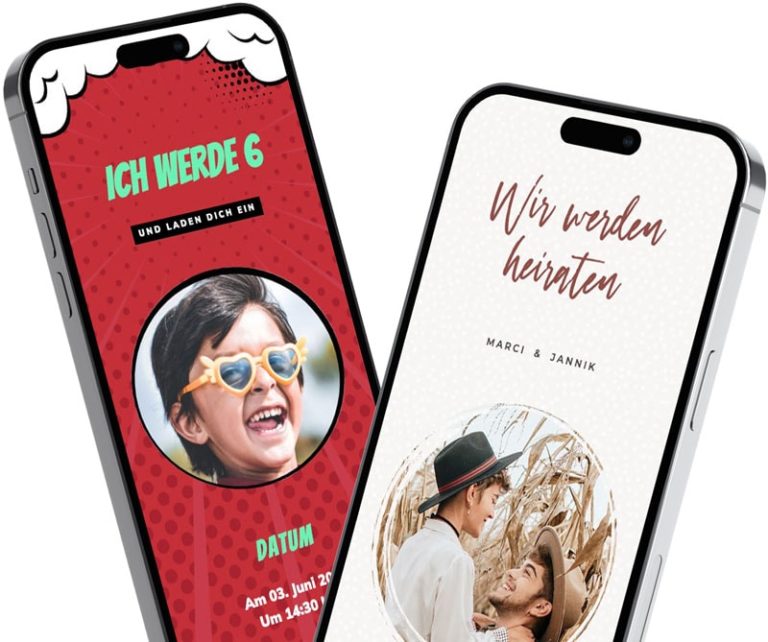
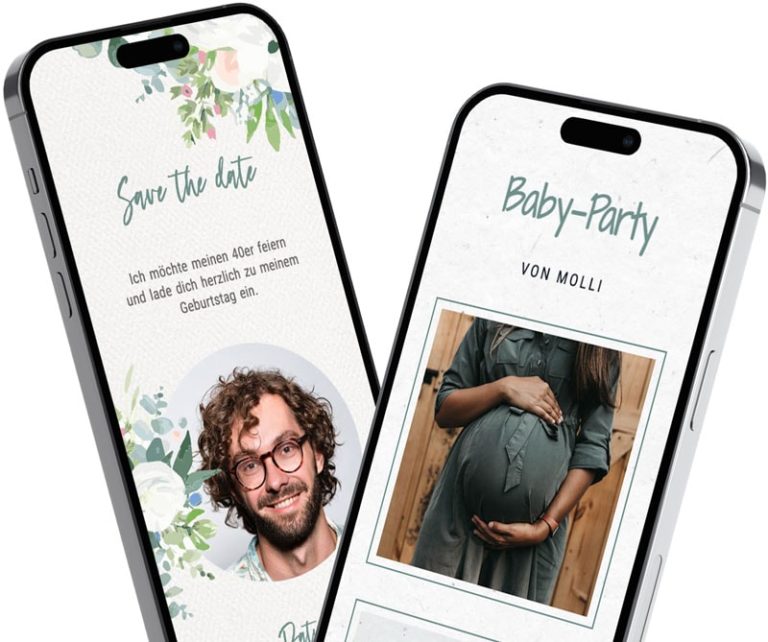
free
fast
sustainable
simple
special
personal
First impressions count - also at your party
Do you want your party or celebration to be something special? Why not from the very beginning? Because, as we all know, first impressions count! An invitation arouses desire, or not! With your invitation from feierly, it's sure to work! Impress your friends, family and guests. Surprise them with the invitation itself.
Whether it's a small party or a large celebration - with feierly, every invitation is a real eye-catcher.
Design your digital invitation now!
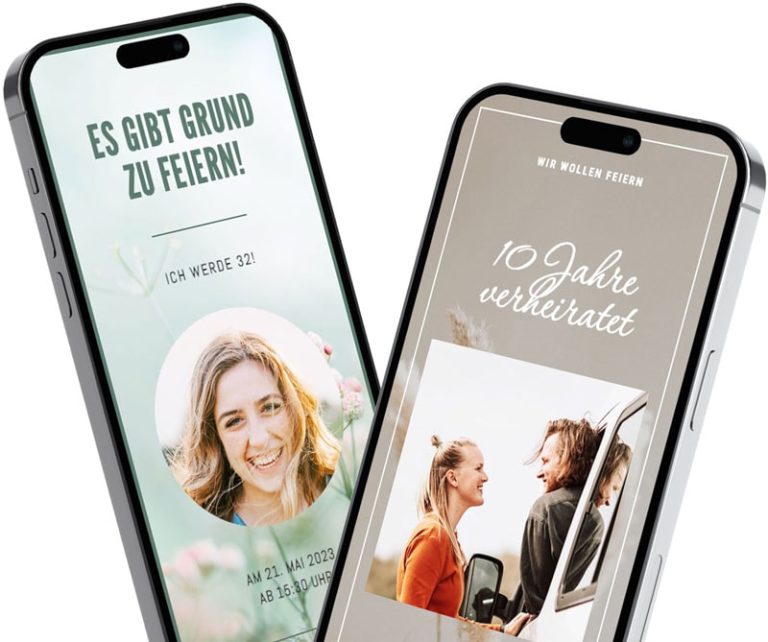
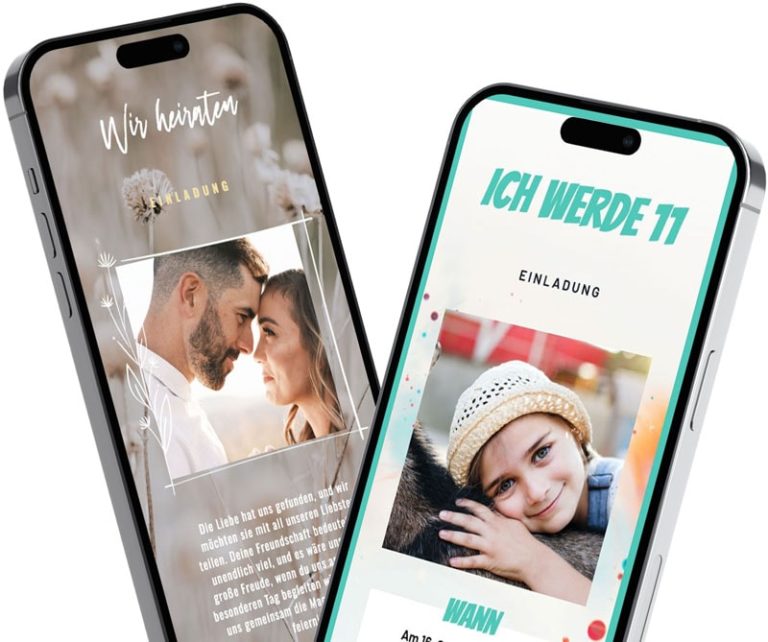
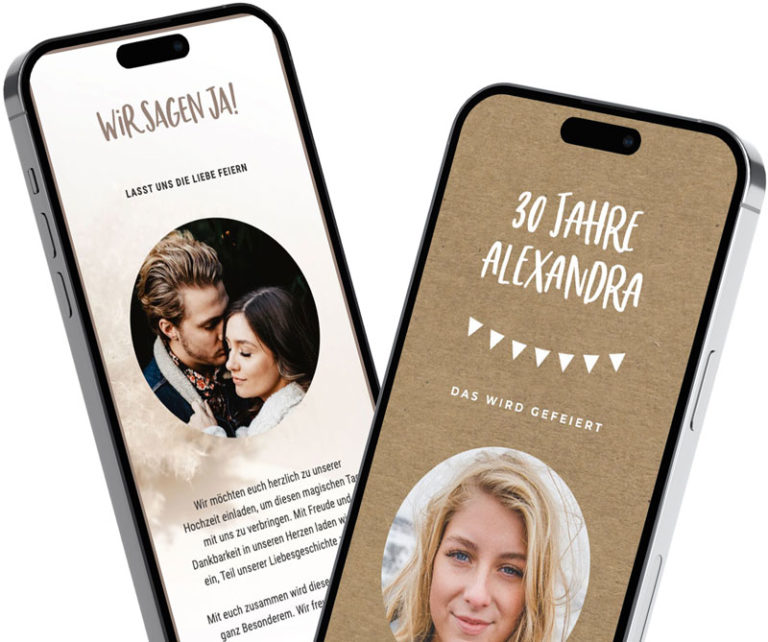
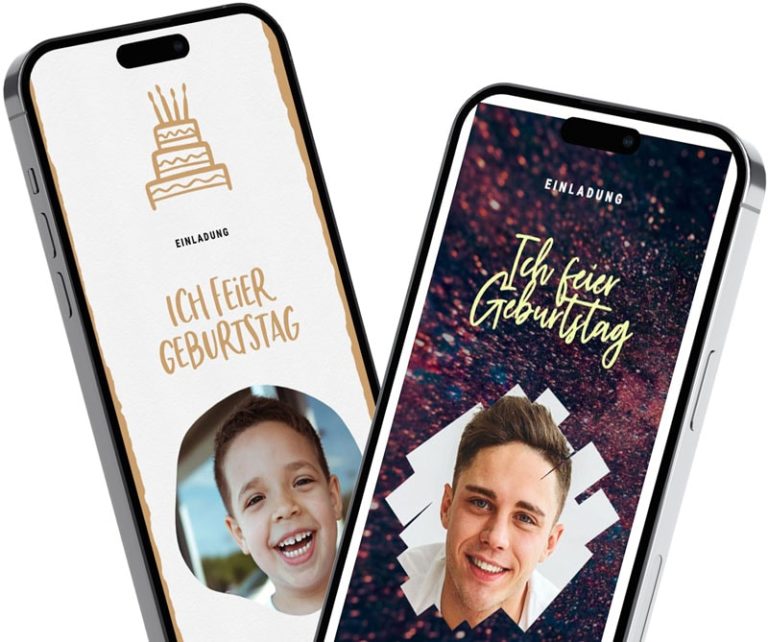
Select an occasion and design: No registration required—just choose the occasion and a design from our wide selection.
Design an invitation: Enter your information, customize the text, and add a photo of yourself if you'd like.
Save and share: Create a free account using Google or your email address, and share the link via WhatsApp, Messenger, email, or text message.
View replies: Your guests can RSVP directly on the invitation. You can see all the responses in the app.
Your guests can RSVP directly on the invitation—for free, without an app or an account.
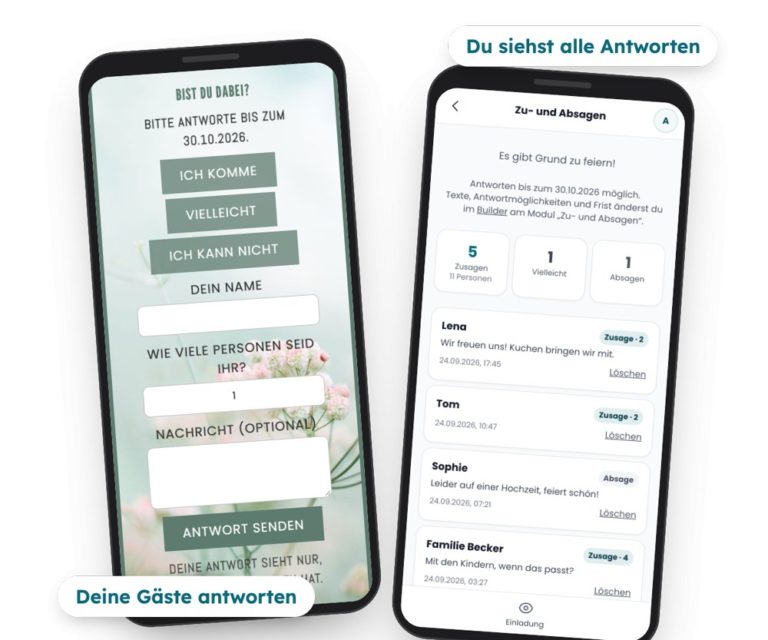
Below each new invitation are the buttons I'm coming, Maybe and I can't. Your guests just tap on it and enter their name—and, if they want, the number of people and a message. No more asking around in twenty different chats.
You can see all the responses compiled in the app, with counters for RSVPs and the number of people.
If you'd like, you can receive an email when new replies are posted.
You set the response deadline yourself.
Only the person who sent the invitation can see the responses.
More on this: Digital Invitation with RSVP
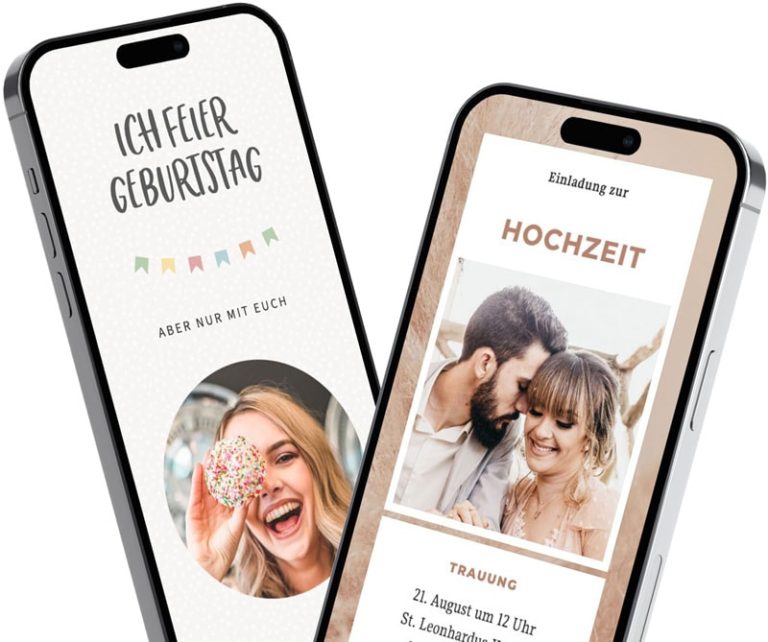
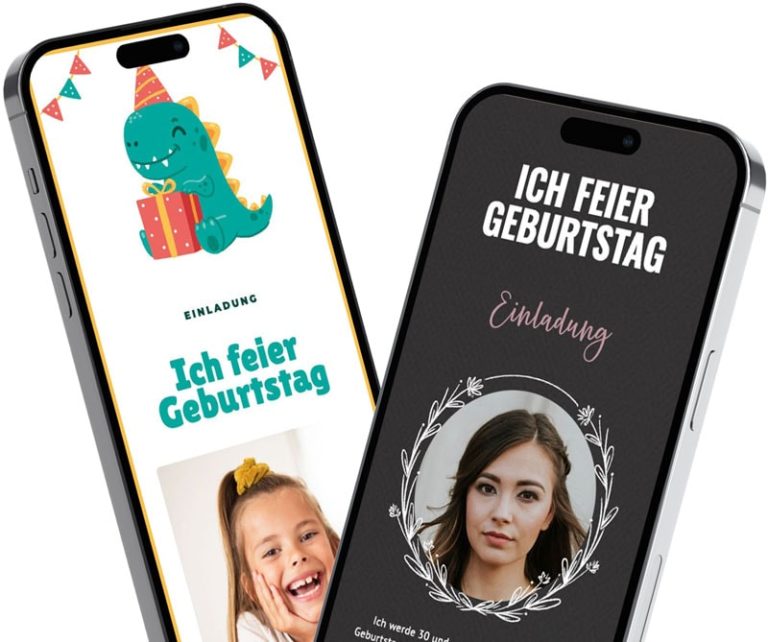
Do you want to celebrate your birthday and impress with the invitation and create anticipation?
You will definitely succeed with your invitation from feierly! We have a large selection of design templates that you can customize and adapt for your party. Sign up and simply click through the different designs.
Design a digital invitation now:
New New
New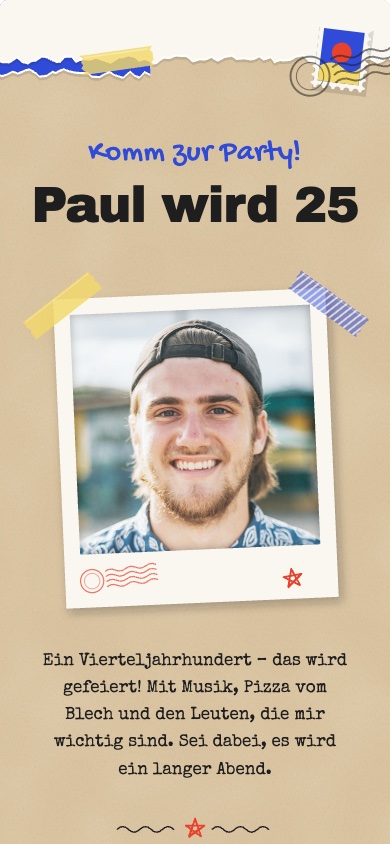 New
New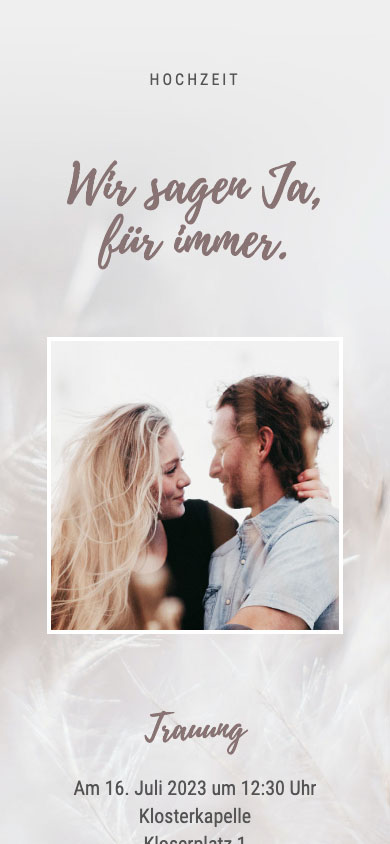
 New
New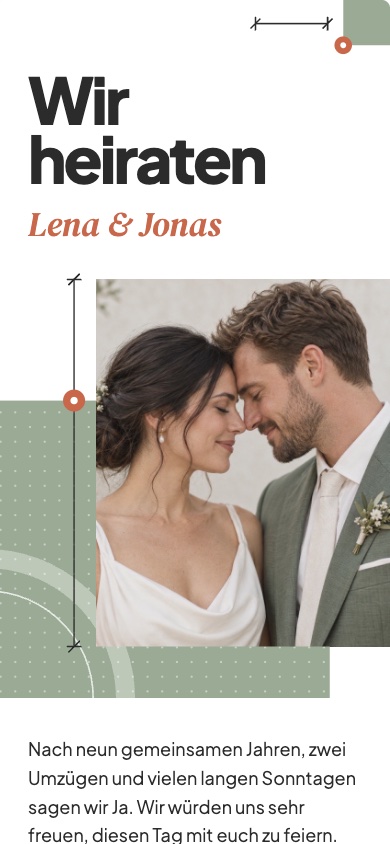 New
NewDo you want to celebrate your wedding and impress with the invitation and create anticipation?
You will definitely succeed with an invitation from feierly! We have a large selection of design templates that you can customize and adapt for your big day.
Sign up and simply click through the different designs.
Why you should design your digital invitation with feierly!
You don't need any software or to download anything: You can design your invitation card for free in your browser, on your phone, or on your computer. Choose a template, enter the occasion, date, time, and location, customize the text, and upload your own photo if you’d like. You can start designing right away without signing up; to save and share your design, create a free account using Google or your email address.
Unlike an image file, your digital invitation is a link: the text, photo, date, and location are all in one place; the invitation adapts to any smartphone; and if anything changes, all guests will see it immediately via the same link.
For company, club, and Advent parties, you'll find dedicated templates and sample texts at the Invitation to the Christmas Party via WhatsApp.
With these free templates, you can create, design, share, make changes later, and manage your guests' RSVPs—all for free, with no subscription required.
If you want more, there’s a one-time Pro option per invitation: Basic Pro for €2.99 with the free templates and Premium Pro for €4.99 with the premium designs. You can try out Premium designs for free; to share them, unlock Premium-Pro. Both options include: a wish list, invitations without the “feierly” notice, up to 5 custom questions for RSVPs, and the response list as a spreadsheet (CSV). Prices include VAT.
Yes. With the free templates, designing invitations, sharing them as a link, and managing your guests' RSVPs are all free. There's no subscription; the Pro option is a one-time fee per invitation (€2.99 or €4.99).
Design your invitation without signing up. To save and share it, you'll need a free account—you can sign up with Google or your email address.
No. Your guests click on the link, view the invitation in their browser, and accept or decline right there—including their name and, if they wish, the number of guests and a message.
Yes. You can change the date, location, or text at any time; the link stays the same, and all guests will immediately see the latest version.
Last updated: October 5, 2026
We protect your data in the best possible way. Please read our Privacy policy.
