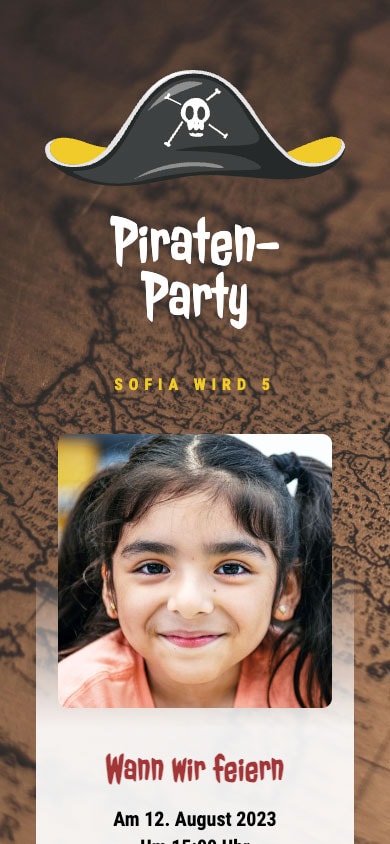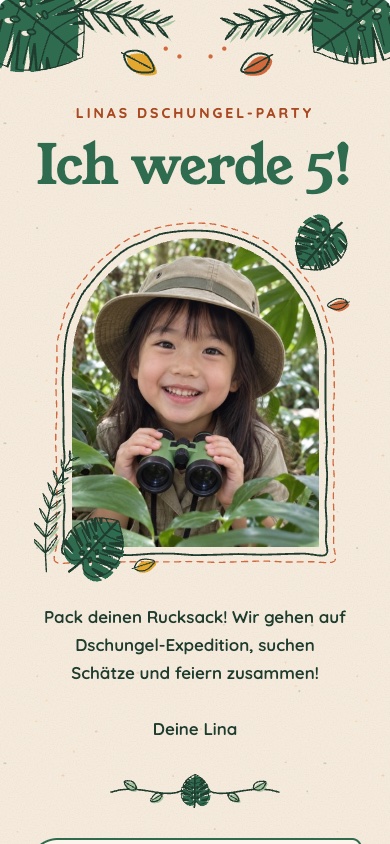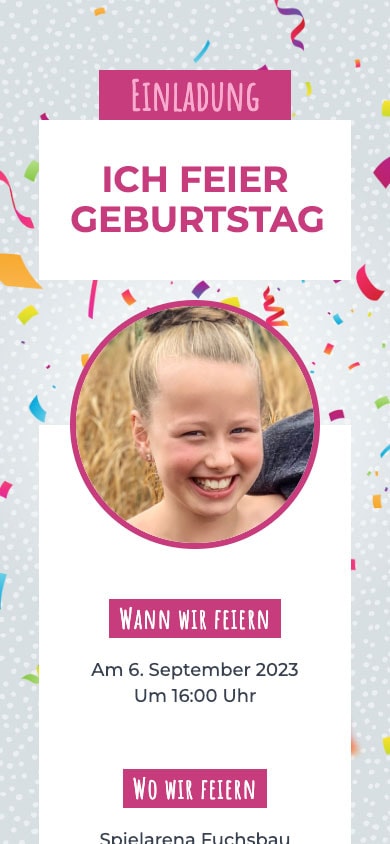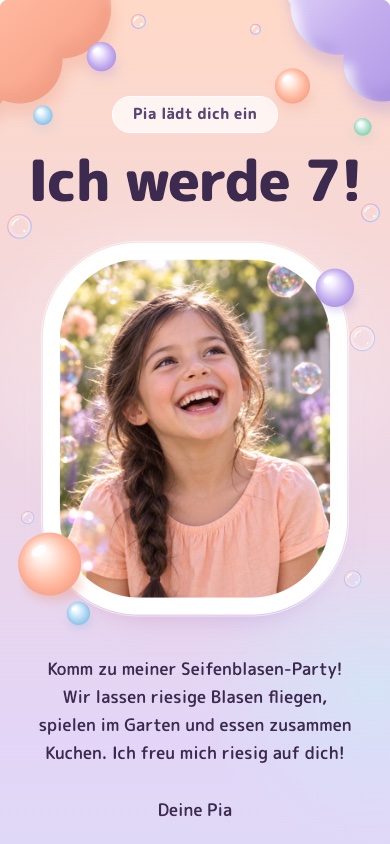



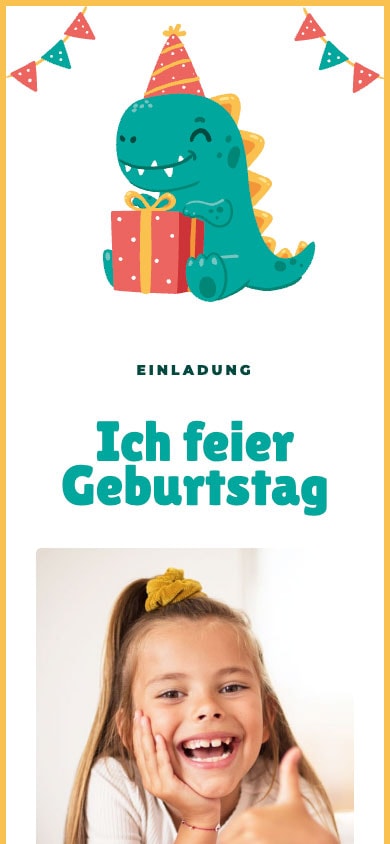
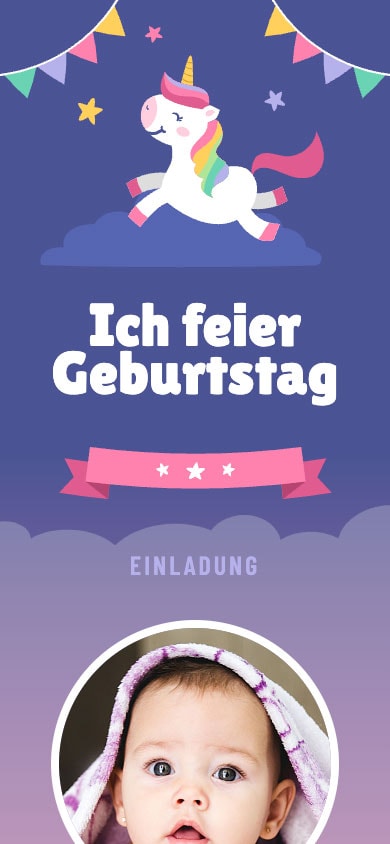
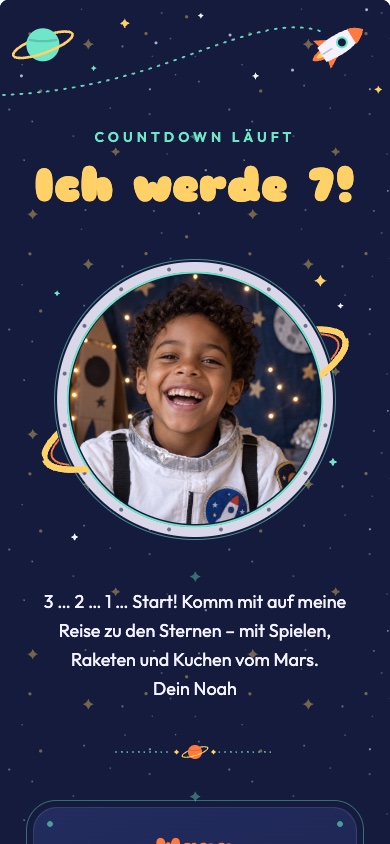
Select a template: Pick a design that suits your child—from dinosaurs to unicorns. No registration required.
Customize: Enter the date, time, and location; note when the children will be picked up; and, if you'd like, add a photo of the birthday child.
Share via WhatsApp: Save the invitation with a free account and send the link to the parents—either individually or to the daycare or class group.
Dinosaurs, unicorns, space, or pirates: Pick a design and tap on it to get started right away. You can customize the age, name, and text in each template yourself.
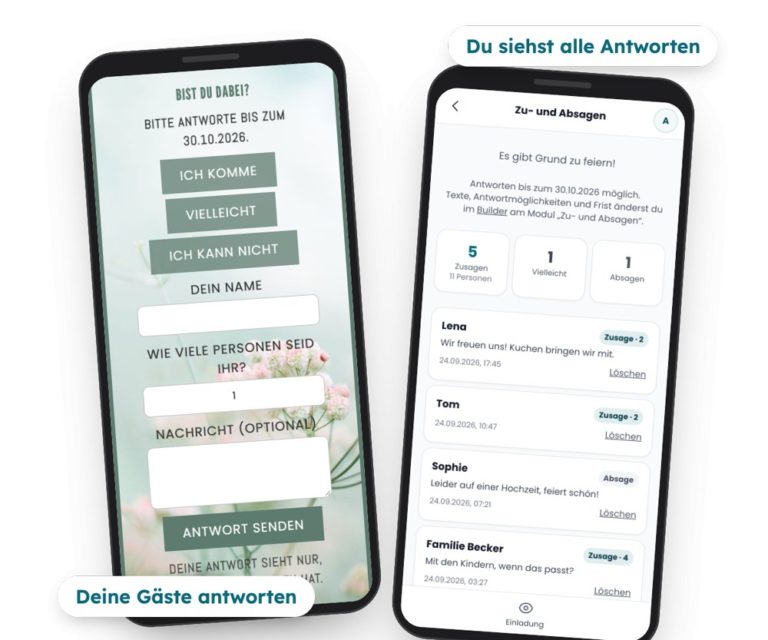
Parents simply tap „I’m coming,“ „Maybe,“ or „I can’t“ right on the invitation—including their name and, if desired, the number of guests and a note, such as information about allergies. They don’t need an app or an account to do this. You’ll see all the responses compiled in the app, with counters for RSVPs and the number of guests, and you can set it up to receive an email when new responses come in. RSVPs are free.
With feierly Pro, you can also ask your own questions—such as whether a sibling will be coming along—and export all the answers as a list.
Choose a text, customize it, and include it in your invitation.
„Yay, I’m turning [age]! I’d like to invite you to my birthday party: on [date] from [time] to [time] in [location]. We’ll play games, eat cake, and have lots of fun. I can’t wait to see you! Yours, [Name]“
„Dear Parents, [Name] is celebrating their birthday on [Date] and would love for [Child's Name] to join the party. We’ll be celebrating from [time] to [time] in [location]; you can pick them up at [time]. Please let us know right here whether they’ll be attending or not, and let us know if they have any allergies.“
„Attention, pirates! Captain [Name] is turning [Age] and is looking for a brave crew. Meeting place: [Date] at [Time] in [Location]. Costumes encouraged, treasure hunt guaranteed. Please RSVP by [date].“
With these free templates, you can create, design, share, make changes later, and manage your guests' RSVPs—all for free, with no subscription required.
If you want more, there’s a one-time Pro option per invitation: Basic Pro for €2.99 with the free templates and Premium Pro for €4.99 with the premium designs. You can try out Premium designs for free; to share them, unlock Premium-Pro. Both options include: a wish list, invitations without the “feierly” notice, up to 5 custom questions for RSVPs, and the response list as a spreadsheet (CSV). Prices include VAT.
Yes. With the five free kids’ templates—Unicorn with Pennants, Colorful Ball Pit, Pink Confetti, Kraft Paper with Stars, and Pirate Map—it won’t cost you anything to design, share, edit, and collect RSVPs. For the premium designs, you unlock Pro for a one-time fee of €4.99 per invitation—no subscription required.
No. You tap the link, view the invitation in your browser, and reply with a tap—no app or account required.
Yes. You make all the changes in the app; the link stays the same, and all guests will see the changes immediately when they click the same link.
Parents tap „I'm coming,“ „Maybe,“ or „I can't“ on the invitation, along with their name and, if desired, the number of guests and a message. You can see all the responses with counts in the app and can set it up to receive an email when new responses come in.
Yes. The invitation is a link that you can send to any WhatsApp group or individually to the parents. Each family responds on its own, and you can see at a glance who's coming.
You can find templates for adults and milestone birthdays at the Birthday Invitation via WhatsApp. The page on digital invitation with RSVP.