



fast
sustainable
simple
special
personal
... the creative solution for your digital wedding invitation!
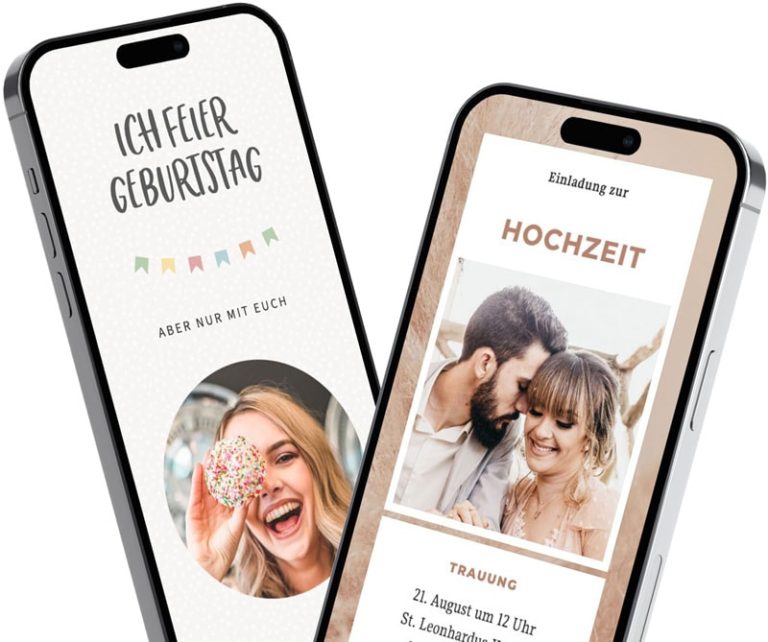
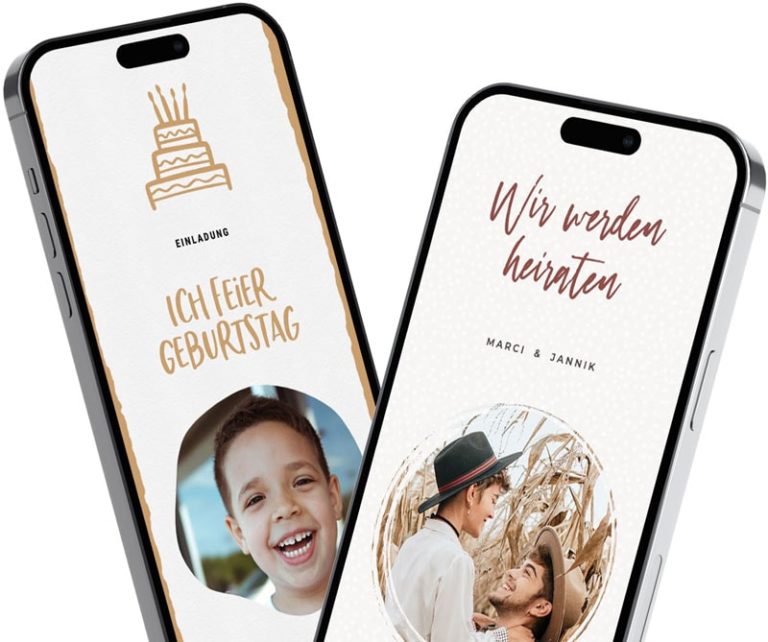
It's surprising and wonderful to get your guests looking forward to your wedding with your invitation. That's why we've made it our mission to provide you with a smart tool that you can use to create your own personalized digital wedding invitation: With feierly, this is not only very quick and easy, but also a lot of fun!
Get creative and design your personal, digital wedding invitation in just a few clicks that will wow your guests.
And for photos on the big day: With our partner app, snapwall, your guests can upload their photos via a QR code—no app required—and they’ll appear live on a screen or TV. Learn more: Photo Wall for the Wedding.
Your wedding invitation: Impressive. Beautiful.
Four easy steps to creating your digital wedding invitation:
Select design: No registration required—select "Wedding" as the occasion and choose a suitable design.
Design an invitation: Enter the date, location, and itinerary, personalize the text, and add a photo of yourselves if you'd like.
Save and share: Create a free account using Google or your email address, and share the link via WhatsApp, email, text message, or Messenger. Your guests don't need an app or an account.
View feedback: Your guests can RSVP directly on the invitation, and you can see all their responses in the app.
Your guests respond directly on the invitation—you can see all the responses in one place.
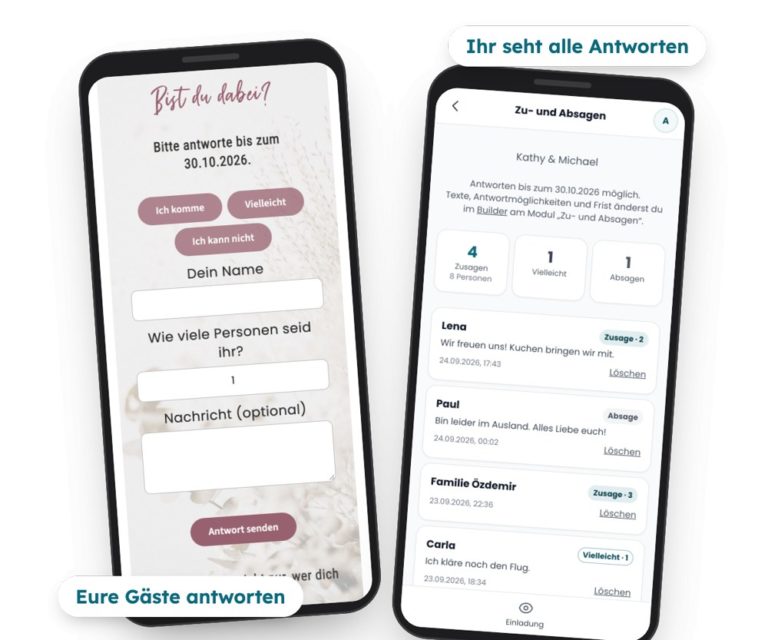
„Please RSVP by …“—and then the replies come in via WhatsApp, phone calls, and email. Your guests can accept or decline directly on the invitation using feierly: They tap on I'm coming, Maybe or I can't and enter your name, as well as the number of people and a message, if desired.
You can see all the responses compiled in the app, with counters for RSVPs and the number of people.
You set a deadline for responses; after that, the feedback period is closed.
With Pro, you can ask up to five questions of your own—such as what someone would like to eat—and download all the answers as a table.
Only you can see the answers.
More on this: Digital Invitation with RSVP
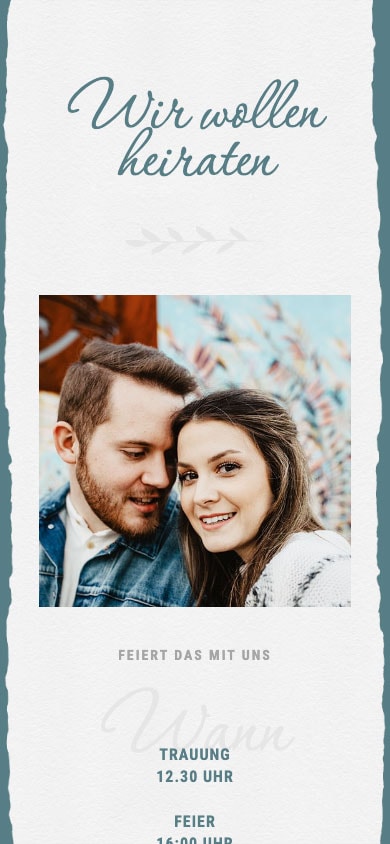
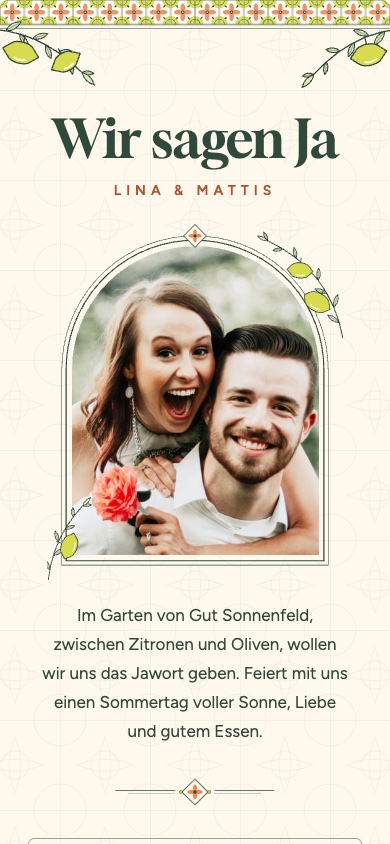
We have lots of templates for your digital wedding invitation. Just browse through our designs—click on a template to view it in full size. Get inspired and create your own personalized digital wedding invitation in just a few clicks!
 New
New

 New
NewAnd many more templates!
Why feierly is your solution!
You choose a template—no sign-up required—enter the date, location, and your text, add a photo if you’d like, and share the invitation as a link with your guests. To save and share, create a free account. Your guests can RSVP directly on the invitation.
Yes. You can customize the text, images, and content to make your invitation truly personal. With the Pro plan, you can unlock additional designs.
You'll receive a link to your invitation. You can share it via WhatsApp, email, text message, or Messenger—either individually or in a group.
Yes. Your invitation adapts to any smartphone, tablet, or computer.
Yes. Your guests can RSVP directly on the invitation—no app or account required—and, if they wish, include the number of guests and a message. You can view all responses with a count in the app and set a response deadline. It’s free.
Yes, with Pro. You can ask up to five of your own questions—either as free-text questions or with multiple-choice options, such as meat, fish, or vegetarian. You'll see the answers in the list and can download them as a table.
Creating, designing, sharing, and collecting RSVPs is free. If you want Pro designs and additional features—such as the ability to ask guests your own questions—you’ll pay a one-time fee of €2.99 to €4.99. There is no subscription.
Digital invitations eliminate the need for paper, printing, and mailing. This helps protect the environment and saves you time.
Yes. You can enter the day's schedule, the location, and other details directly into the invitation. With the Pro plan, you can also add a wish list.
The invitation opens in any browser; your guests don't need an app or an account. If you have any questions, you can reach us through our support page.
We protect your data in the best possible way. Please read our Privacy policy.
