



 New
New



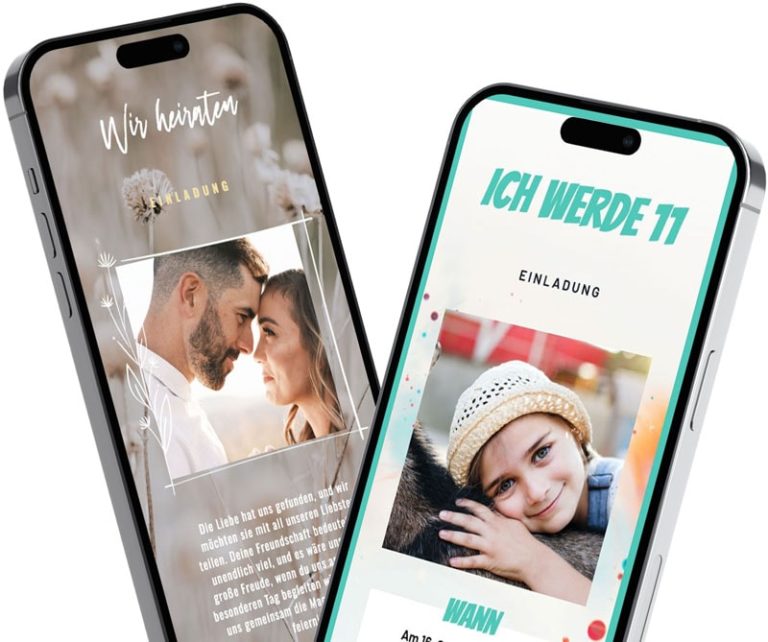
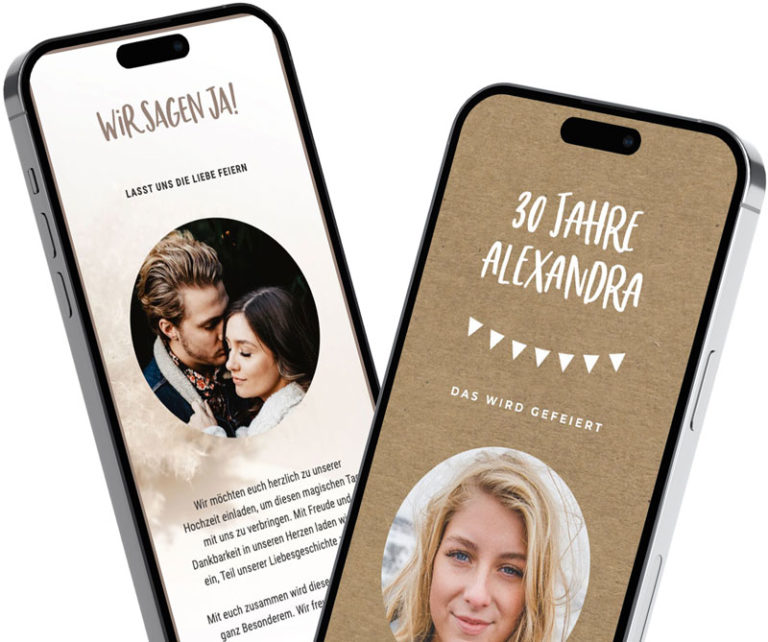
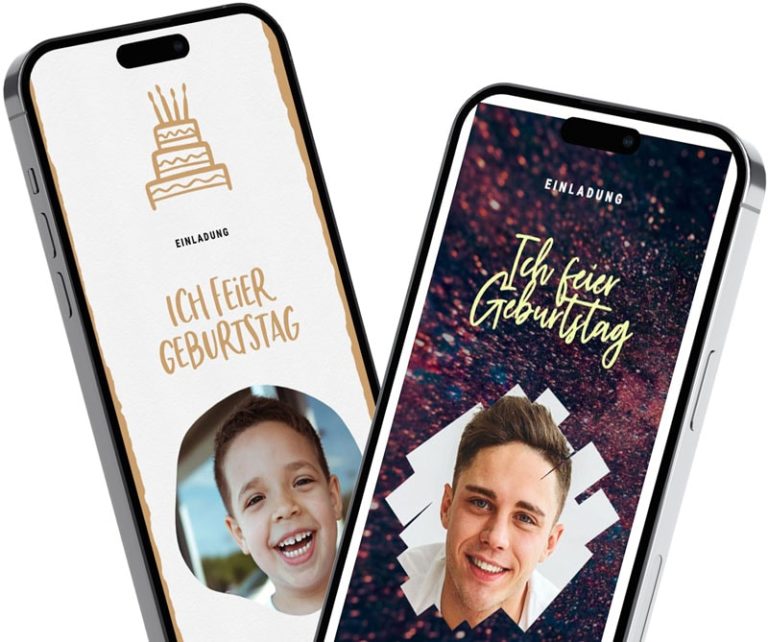
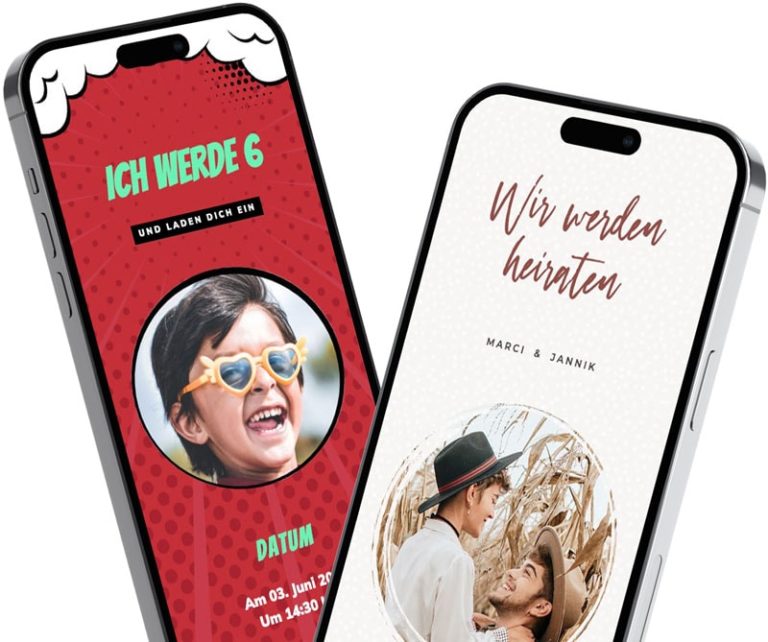
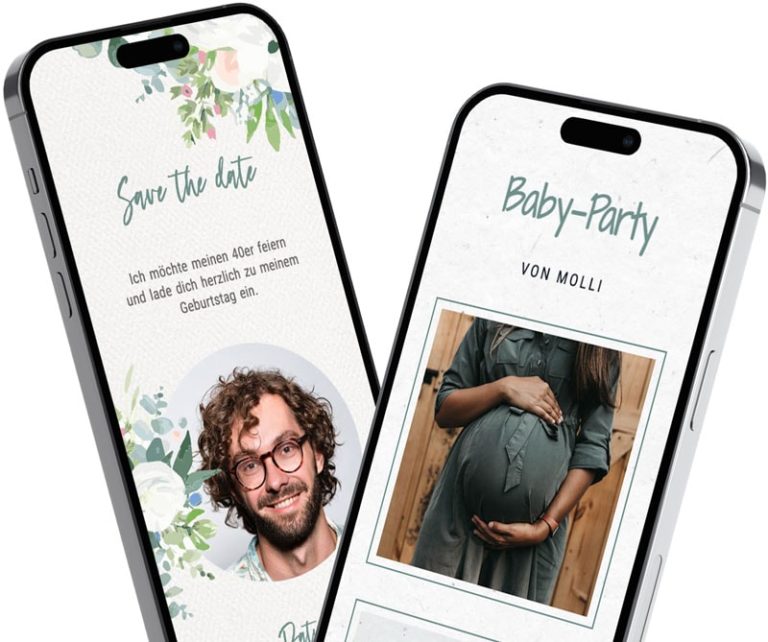
free
fast
sustainable
simple
special
personal
From template to finished invitation in just a few steps in the chat.
With feierly, you don't send an image file—you send a link to your invitation. You can share it in any WhatsApp chat or group—your guests just tap on it, see all the details at a glance, and accept or decline right away.
Creating and sending is free. You can start designing right away without signing up. To save and share, create a free account using Google or your email address.
Select an occasion and a template: No registration required—just enter the date, location, and your text, and add your own photo if you'd like.
Save: Create a free account using Google or your email address.
Share this link: Open the invitation directly in WhatsApp, or copy the link and paste it into a chat or group.
View replies: Your guests will RSVP to the invitation. You can see all the responses in the app.
Free with every new invitation—your guests don't need an app or an account.
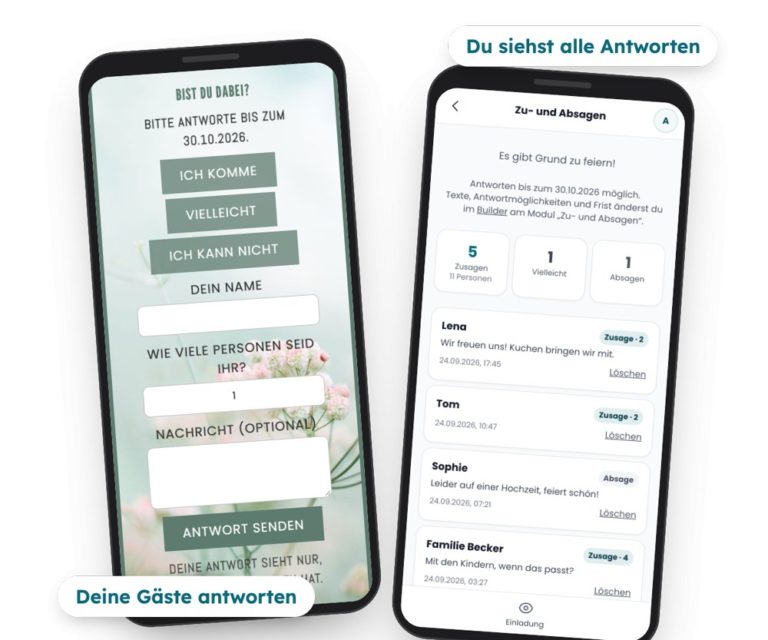
No more commitments scattered across twenty different chats: Below each new invitation are the buttons I'm coming, Maybe and I can't. Your guests tap on it and enter their name, and, if they wish, the number of people and a message.
You can see all the responses in the app, along with counts for "Yes," "People," "Maybe," and "No.".
If you'd like, you can receive an email when new replies are posted.
You set the button texts, the response deadline, and the questions about the number of people and the message yourself.
Only the person who sent the invitation can see the responses.
You can read all about it on our website Digital Invitation with RSVP.
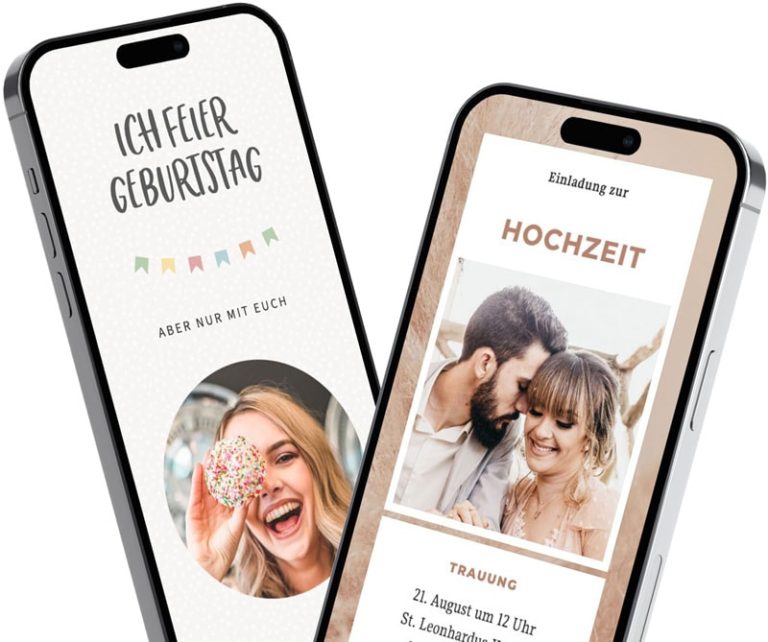
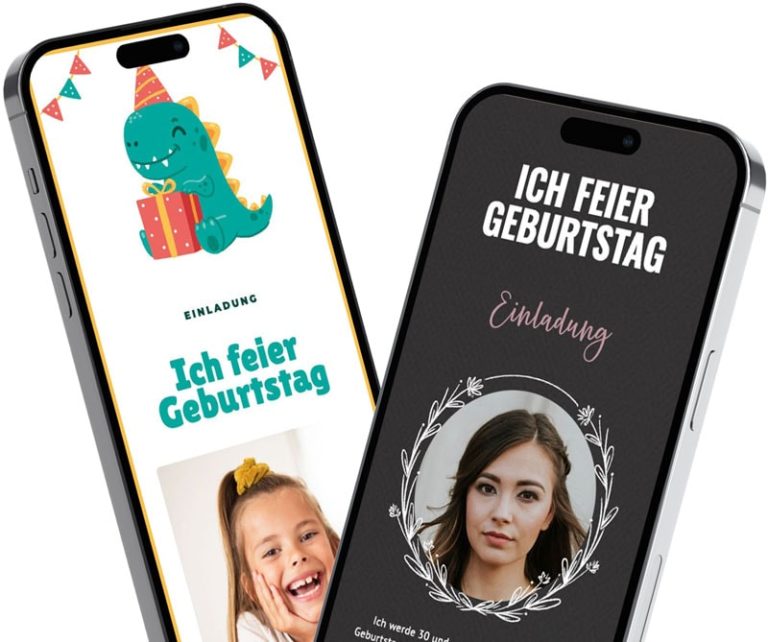
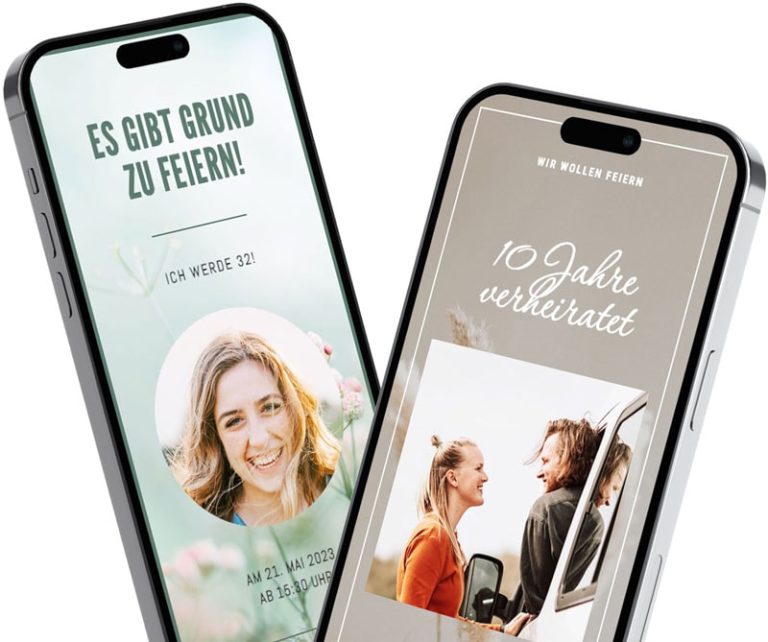
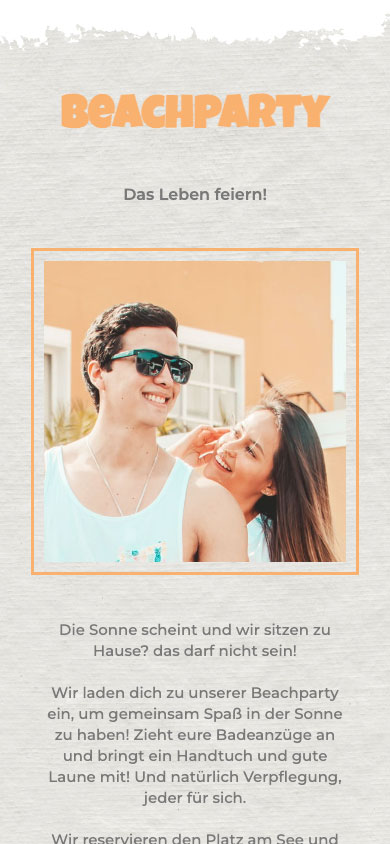
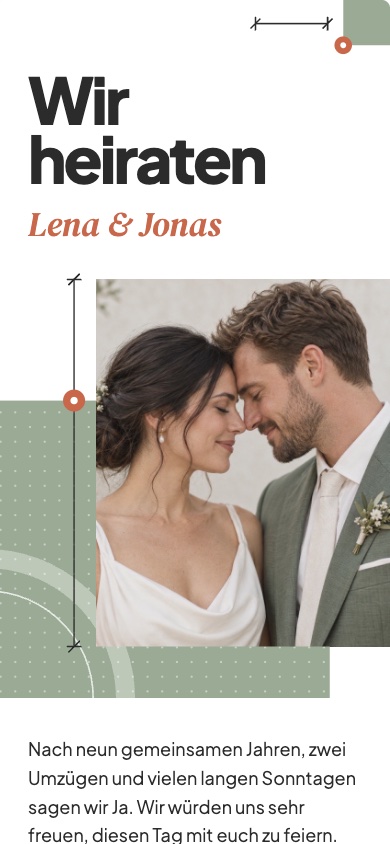
Birthdays, children's birthday parties, weddings, baptisms, first day of school, barbecue parties, housewarming parties, or Christmas parties: At feierly, you'll find templates for almost any occasion. Choose a design, enter your information, and add your own photo if you'd like.
New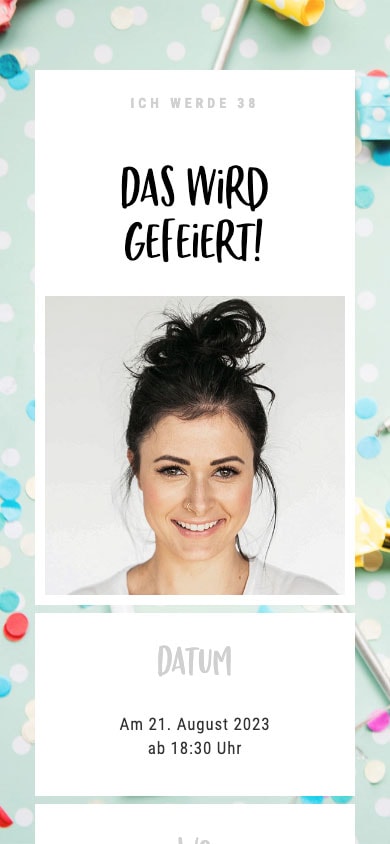
 New
New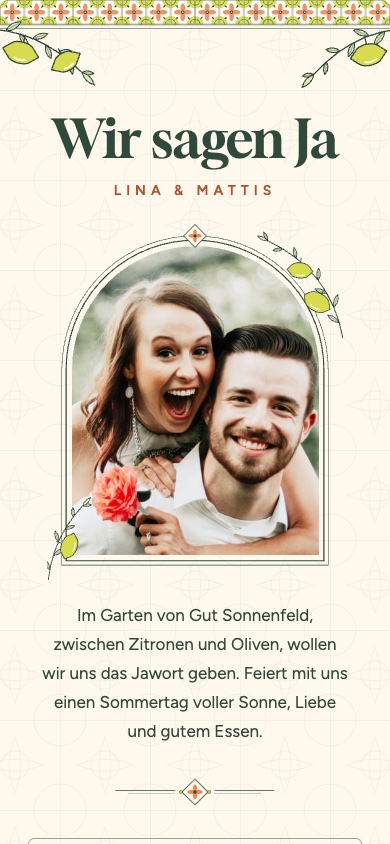 New
New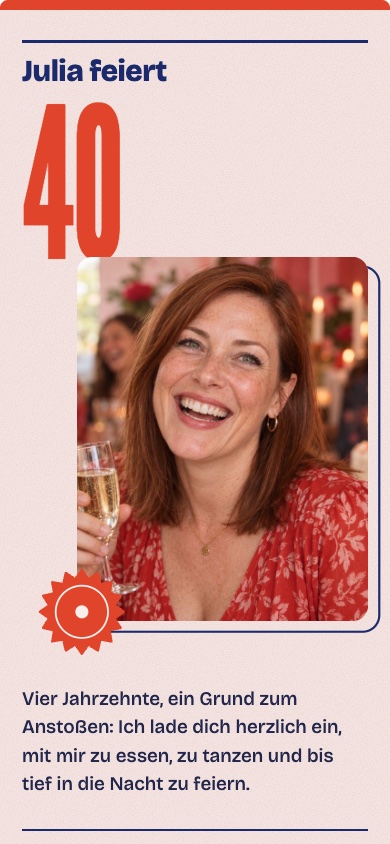 New
NewAnd many more templates in the app!
Whether it's an 18th, 30th, 50th, or 70th birthday: With a WhatsApp invitation, you can reach all your guests at once—both in your family group and among your friends.
Choose a template, enter the date, time, and location, and add a few personal lines. If anything changes, just update the invitation—the link stays the same.
You can find more ideas at our Birthday Invitations for WhatsApp.
 New
New
 New
New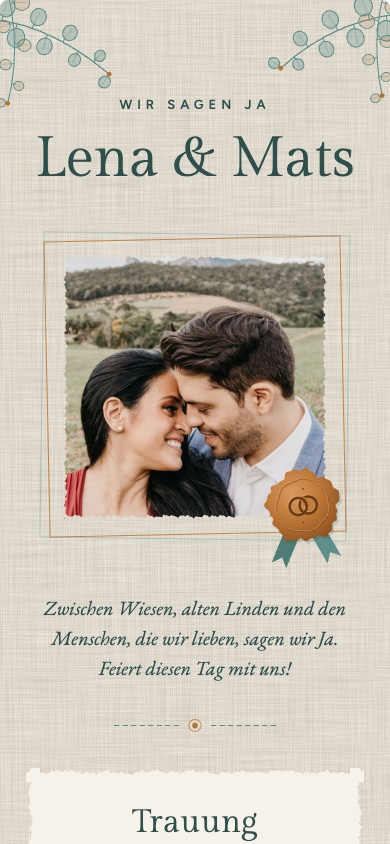 New
New
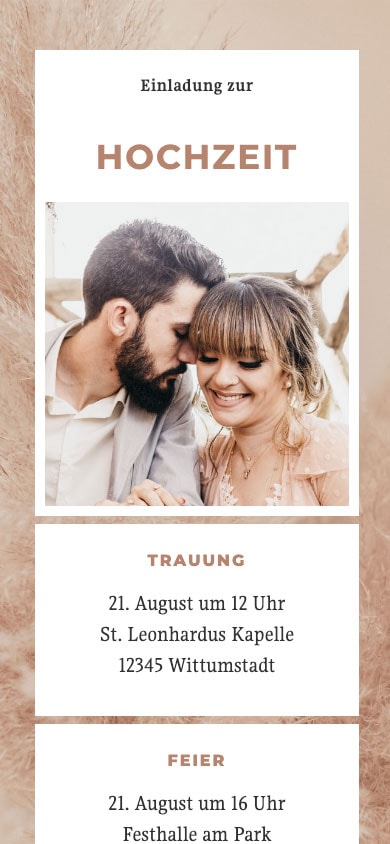
Your wedding deserves a special invitation. With feierly, you can design it for free and share it as a link with all your guests—whether via WhatsApp, email, or Messenger.
Choose an elegant template, add your photo, the day's schedule, and the location. If anything changes, your guests will see the updated information right away.
You can read more about this in our digital wedding invitations.
There are separate templates for Halloween, the Christmas party, New Year's Eve, and Fasching & Karneval. You can select them in the app based on the occasion.
 New
New New
New New
New New
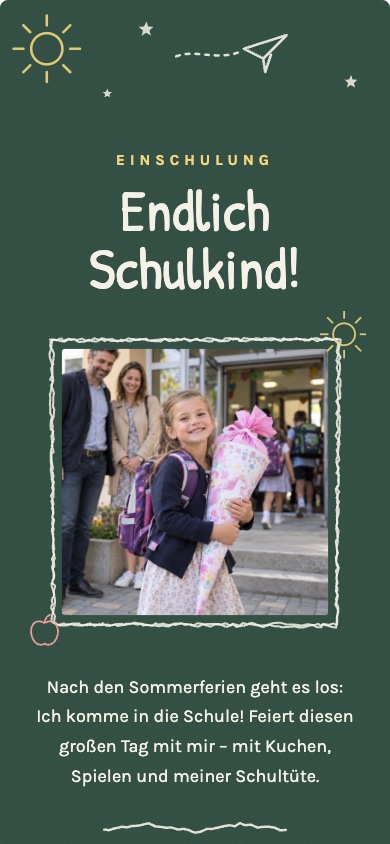
NewThere are also specific templates for family celebrations: for baptisms, First Communion, Confirmation, Youth Initiation, the first day of school, and leaving daycare. You can use the baptism templates all year round; all the others are available in the app around the time of the respective celebration.
 New
New New
New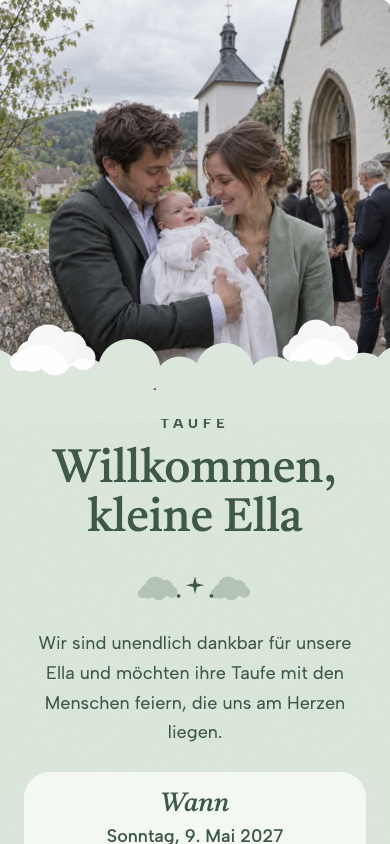 New
New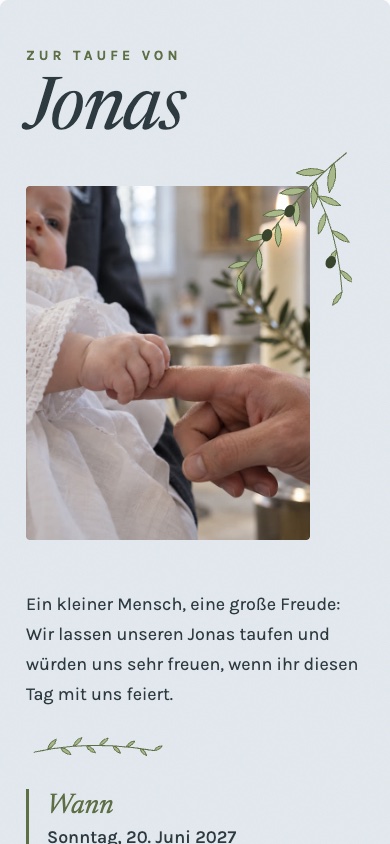 New
NewThe difference between a "feierly" invitation and an image file in a chat.
On a cell phone, it's often only readable if you zoom in
Only as much information as fits in the picture
If there are any changes, you'll need to send a new picture to everyone
Commitments come in scattered messages across many chat rooms
Adapts to any smartphone
Text, photo, schedule, and location—all in one place
All guests can see changes immediately via the same link
Guests accept or decline directly on the invitation
It's free—and your guests don't need an app or an account
Copy a text, fill in your information—or just let it inspire you.
With feierly, creating and designing invitations, sharing them via WhatsApp, and collecting RSVPs costs nothing—no shipping fees, no subscription, and no hidden fees.
If you want more features, you can upgrade to the Pro version for €2.99 to €4.99 per invitation: premium designs, a wish list, custom questions for your guests (such as meal preferences), all responses in a table, and an invitation without the "feierly" notice. This is not required.
Yes. You can create and design your invitation, send it via WhatsApp, and collect your guests’ RSVPs—all completely free of charge. Only those who want Pro designs and additional features pay a one-time fee of €2.99 to €4.99.
Yes, to design. You choose the occasion and template and design your invitation without signing up. To save and share it, you’ll need a free account—you can sign up with Google or your email address. If you sign up with your email, you’ll need to confirm your address before sharing the invitation. Your guests don’t need an account.
Tap „Share“: The invitation will open directly in WhatsApp. You can also copy the link and paste it into a one-on-one chat or a group chat.
No. The link opens in the browser on any smartphone—no app or sign-up required. Your guests can also RSVP or decline without an account.
Yes. Your guests can tap „I’m coming,“ „Maybe,“ or „I can’t make it“ right on the invitation and enter their name, as well as the number of guests and a message if they’d like. You’ll see all responses with counts in the app, and you can set it up to receive an email when new responses come in. It’s free.
Yes. You set a deadline for responses. Your guests will see it right above the buttons; after that, the invitation will no longer accept responses.
Yes. All guests will see any changes to your invitation right away—the link stays the same, so you don't need to resend anything.
Last updated: September 24, 2026